Download Files
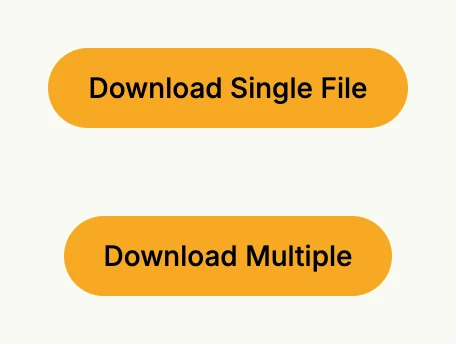
Sends one or several files to the browser with wnd.ExportFiles. The first button also reports an unexpected
error with the support request dialog of the tracking package.
package main

import (
	"fmt"
	"go.wdy.de/nago/application"
	"go.wdy.de/nago/presentation/core"
	. "go.wdy.de/nago/presentation/ui"
	"go.wdy.de/nago/presentation/ui/tracking"
	"go.wdy.de/nago/web/vuejs"
)

func main() {
	application.Configure(func(cfg *application.Configurator) {
		cfg.SetApplicationID("de.worldiety.tutorial")
		cfg.Serve(vuejs.Dist())

		cfg.RootView(".", func(wnd core.Window) core.View {
			return VStack(
				tracking.SupportRequestDialog(wnd),
				PrimaryButton(func() {
					// CAUTION: this must always be within an action, do not put this into the render tree
					wnd.ExportFiles(core.ExportFileBytes("test.txt", []byte("hello world")))

					// this is just for illustration
					var err error
					err = fmt.Errorf("this is an unhandled infrastructure test error: %w", err)
					if err != nil {
						tracking.RequestSupport(wnd, fmt.Errorf("cannot send files by doing this use case: %w", err))
					}
				}).Title("Download Single File"),

				PrimaryButton(func() {
					wnd.ExportFiles(core.ExportFilesOptions{
						Files: []core.File{
							core.MemFile{Filename: "file1.txt", Bytes: []byte("hello world in file 1")},
							core.MemFile{Filename: "file2.txt", Bytes: []byte("hello world in file 2")},
						},
					})

				}).Title("Download Multiple"),
			).Gap(L44).Frame(Frame{}.MatchScreen())
		})
	}).Run()
}
View on GitHub ↗
· run it with go run go.wdy.de/nago/example/cmd/tutorial-19-download-file@latest