Upload Files
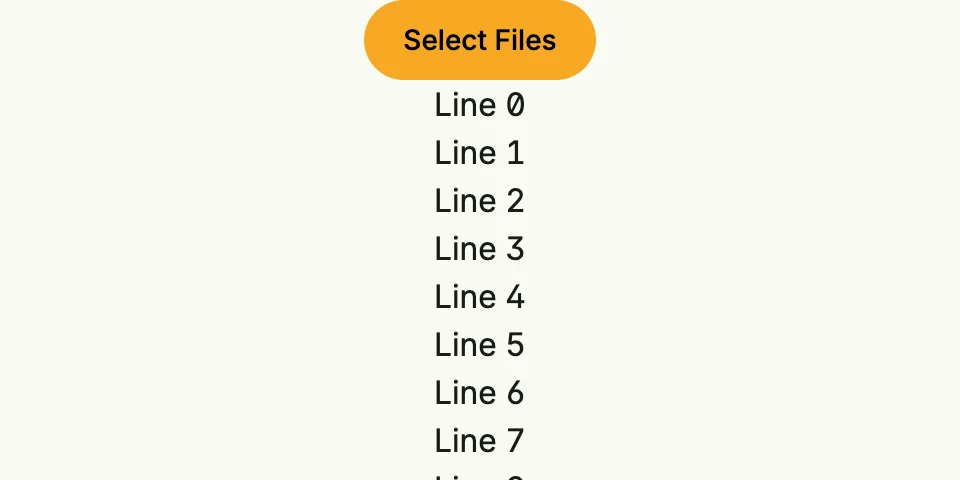
Lets the user select several files with wnd.ImportFiles, reads them and reports the result with banner
messages.
package main

import (
	"fmt"
	"io"
	"slices"
	"time"

	"go.wdy.de/nago/application"
	"go.wdy.de/nago/presentation/core"
	. "go.wdy.de/nago/presentation/ui"
	"go.wdy.de/nago/presentation/ui/alert"
	"go.wdy.de/nago/web/vuejs"
)

func main() {
	application.Configure(func(cfg *application.Configurator) {
		cfg.SetApplicationID("de.worldiety.tutorial")
		cfg.Serve(vuejs.Dist())

		cfg.RootView(".", func(wnd core.Window) core.View {
			return VStack(
				alert.BannerMessages(wnd),
				PrimaryButton(func() {
					wnd.ImportFiles(core.ImportFilesOptions{
						Multiple: true,
						OnCompletion: func(files []core.File) {
							for _, file := range files {
								r, err := file.Open()
								if err != nil {
									alert.ShowBannerError(wnd, err)
									return
								}

								defer r.Close()

								time.Sleep(time.Second)
								if _, err := io.Copy(io.Discard, r); err != nil {
									alert.ShowBannerError(wnd, err)
									return
								}

								fmt.Println(file.Name())
							}
							alert.ShowBannerMessage(wnd, alert.Message{
								Title:   "super",
								Message: "das hat vll. geklappt",
								Intent:  alert.IntentOk,
							})
						},
					})
				}).Title("Select Files"),
			).Append(
				slices.Collect(func(yield func(core.View) bool) {
					for i := range 50 {
						yield(Text(fmt.Sprintf("Line %d", i)))
					}
				})...,
			).Frame(Frame{}.MatchScreen())
		})
	}).Run()
}
View on GitHub ↗
· run it with go run go.wdy.de/nago/example/cmd/tutorial-20-upload-file@latest