Theme
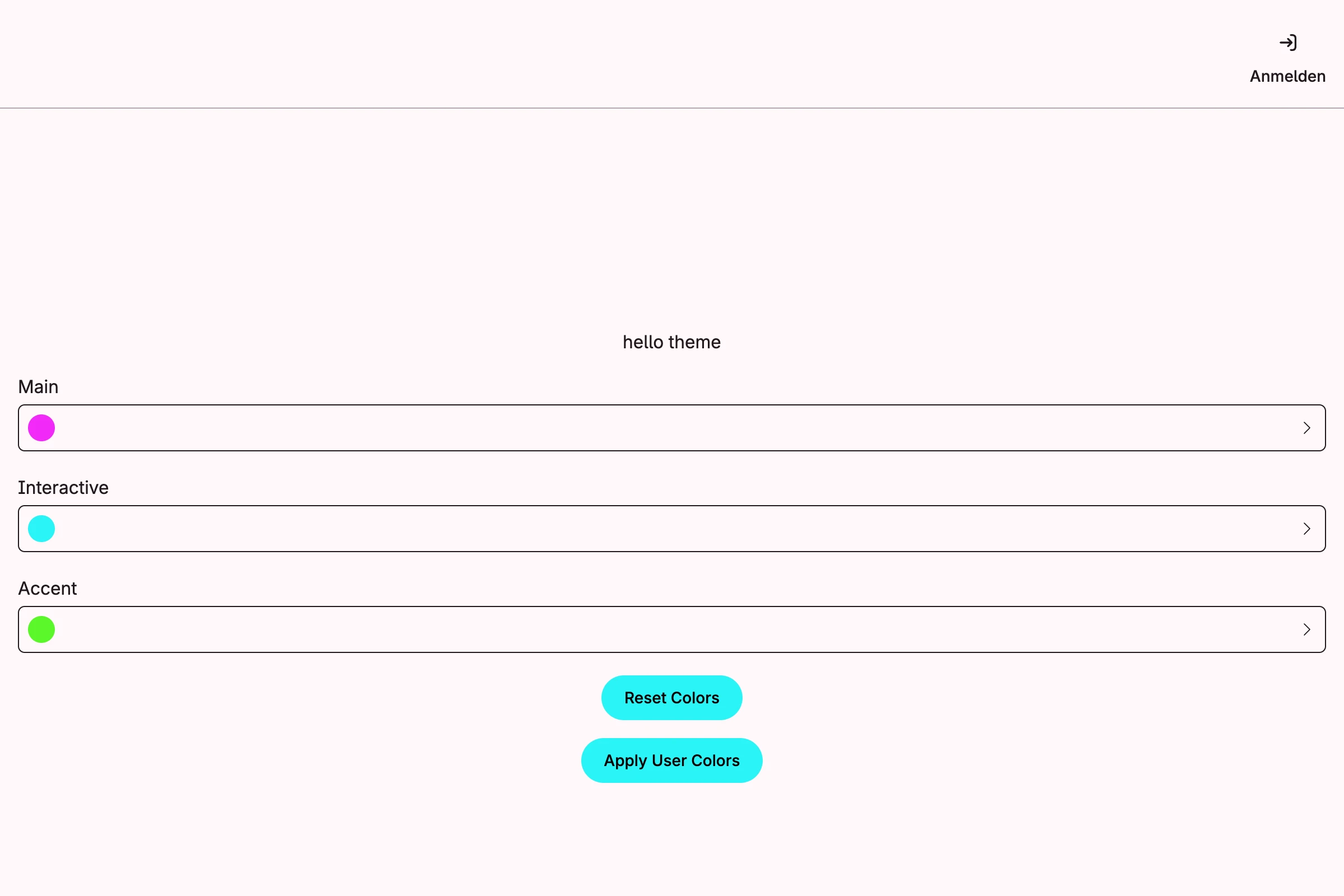
Calculates the light and dark color schemes from three base colors with the theme management, stores them and lets you change them at runtime.
package main

import (
	"time"

	"github.com/worldiety/option"
	"go.wdy.de/nago/application"
	"go.wdy.de/nago/application/theme"
	cfgtheme "go.wdy.de/nago/application/theme/cfg"
	"go.wdy.de/nago/pkg/std"
	"go.wdy.de/nago/presentation/core"
	"go.wdy.de/nago/presentation/ui"
	"go.wdy.de/nago/web/vuejs"
)

func main() {
	application.Configure(func(cfg *application.Configurator) {
		cfg.SetApplicationID("de.worldiety.tutorial_55")
		cfg.Serve(vuejs.Dist())

		cfg.SetDecorator(cfg.NewScaffold().Decorator())
		option.MustZero(cfg.StandardSystems())

		// Propose the colors of the application. They apply on the first start and after a reset, but they are
		// never stored. Once a user saves own colors in the admin center, those always win, also if the proposal
		// changes with a later release. Do not store the proposal with UpdateColors, because a reset would then
		// fall back to the defaults of nago instead of your colors.
		cfg.SetThemeDefaults(theme.ColorsFrom(theme.BaseColors{
			Main:        "#f12af7",
			Interactive: "#2af4f7",
			Accent:      "#5af72a",
		}))

		// Optionally, let administrators adjust the colors of the light and the dark mode in the admin center.
		themes := option.Must(cfgtheme.Enable(cfg))

		std.Must(std.Must(cfg.UserManagement()).UseCases.EnableBootstrapAdmin(time.Now().Add(time.Hour), "%6UbRsCuM8N$auy"))

		cfg.RootViewWithDecoration(".", func(wnd core.Window) core.View {
			return ui.VStack(
				ui.H1("hello theme"),
				ui.Text("The colors are proposed by the application, until an administrator chooses own colors."),
				ui.PrimaryButton(func() {
					wnd.Navigation().ForwardTo(themes.Pages.Colors, nil)
				}).Title("Adjust colors"),
			).Gap(ui.L16).Frame(ui.Frame{}.MatchScreen())
		})
	}).Run()
}
View on GitHub ↗
· run it with go run go.wdy.de/nago/example/cmd/tutorial-55-theme@latest