Backup Management
Backup Management saves the complete data of the application into a zip file and restores it. It also exports and replaces the master key, which encrypts sensitive stores such as sessions and secrets.
Enable
backups := std.Must(cfg.BackupManagement()) // application.BackupManagementcfg.StandardSystems() enables Backup Management. It has the fields UseCases backup.UseCases and
Pages uibackup.Pages with the path BackupAndRestore.
Master key
The master key is read from the environment variable NAGO_MASTER_KEY (64 hex characters). Without it, Nago
generates a key and stores it in the file .masterkey in the data directory. A backup does not contain the
master key: encrypted stores stay encrypted and can only be restored with the same key. Keep the key in a
safe place, separate from the backups.
Use cases
| Use case | Description |
|---|---|
Backup | Writes a zip with all stores. Encrypted stores stay encrypted. |
Restore | Restores the stores from a backup and overwrites existing data. Stores which are not in the backup stay unchanged. |
ExportMasterKey | Returns the master key as hex. |
ReplaceMasterKey | Writes a new master key into .masterkey; it takes effect after a restart. |
backup.AsBackupFile wraps Backup into a downloadable file named backup_<time>.zip.
Permissions
| Permission | Allows to |
|---|---|
nago.backup.backup | create backups |
nago.backup.restore | restore backups |
nago.backup.masterkey.export | export the master key |
nago.backup.masterkey.replace | replace the master key |
UI
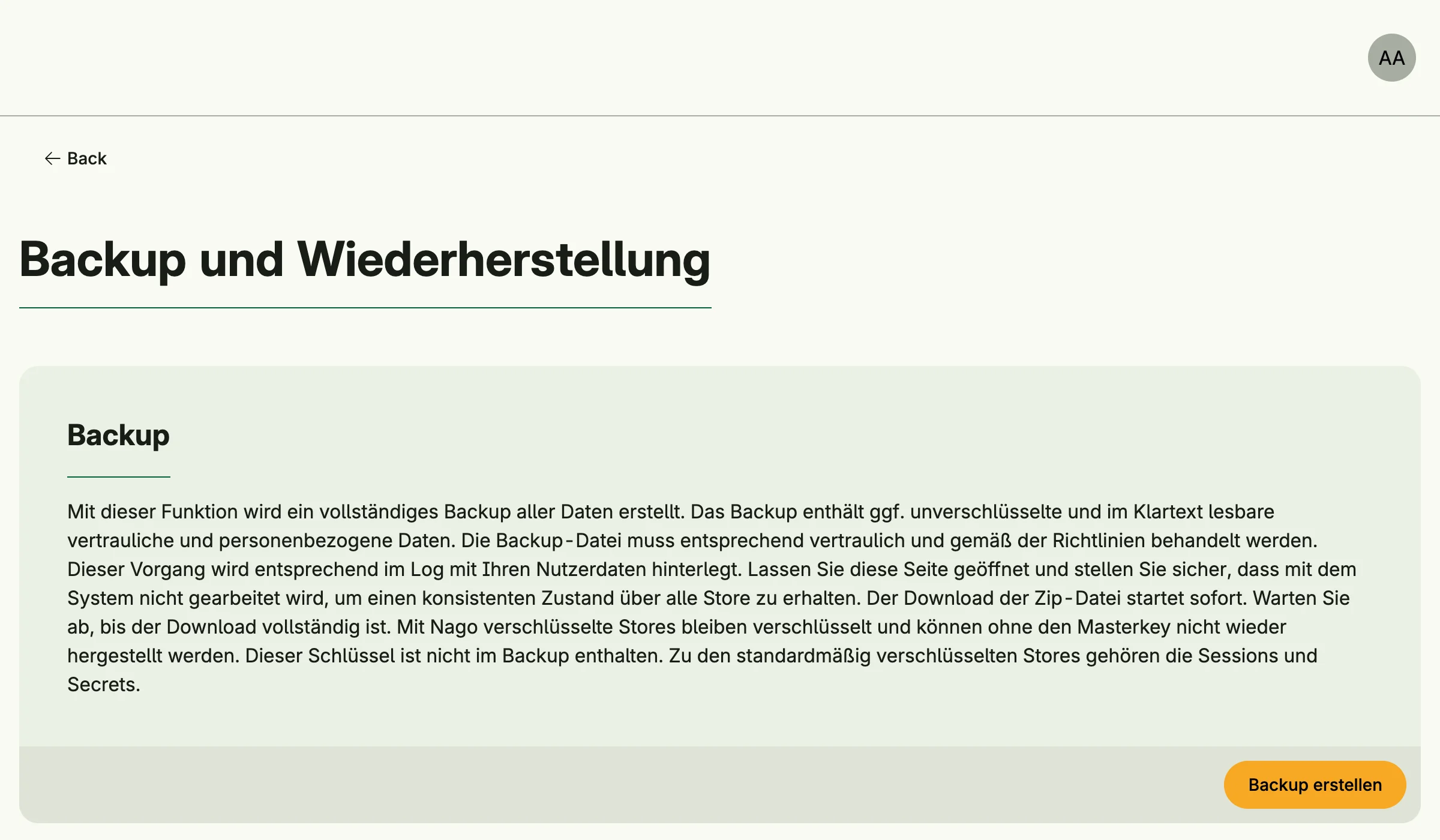
The page admin/backup-and-restore creates and restores backups and manages the master key. The admin center
shows the card Backup und Wiederherstellung in the group System.