Data Import Management
Data Import Management imports external data, such as CSV, JSON or PDF forms, into your application. A parser reads the raw data into entries of a staging, a draft batch. In the admin UI an administrator maps the source fields to the target fields, reviews, corrects, confirms or ignores single entries and finally starts the import. An importer writes the entries into your domain.
Enable
import cfgdataimport "go.wdy.de/nago/application/dataimport/cfg"

imports := std.Must(cfgdataimport.Enable(cfg)) // cfgdataimport.Management
cfgdataimport.Management has the fields UseCases dataimport.UseCases and Pages uidataimport.Pages.
Parsers and importers are not registered automatically. Register the built-in ones and your own at startup:
import (
	"go.wdy.de/nago/application/dataimport/importer/userimporter"
	"go.wdy.de/nago/application/dataimport/parser/csv"
)

option.MustZero(imports.UseCases.RegisterParser(user.SU(), csv.NewParser()))
option.MustZero(imports.UseCases.RegisterImporter(user.SU(), userimporter.NewImporter(std.Must(cfg.UserManagement()).UseCases)))
Built-in parsers: csv.NewParser(), json.NewParser() (also JSON lines) and pdf.NewParser() (PDF
AcroForms), in go.wdy.de/nago/application/dataimport/parser/.... The built-in importer
userimporter.NewImporter creates users. Implement parser.Parser or importer.Importer for your own
formats and targets.
Use cases
| Use case | Description |
|---|---|
RegisterParser, RegisterImporter | Register a parser or importer. |
FindParsers, FindImporters, FindImporterByID | List the registered parsers and importers. |
CreateStaging | Creates a staging for an importer. |
FindStagingByID, FindStagingsForImporter | Load stagings. |
DeleteStaging | Deletes a staging and its entries. |
Parse | Parses raw data into entries of a staging. |
FilterEntries, FindEntryByID | Load entries of a staging. |
UpdateStagingTransformation | Sets the mapping from source fields to target fields. |
UpdateEntryConfirmation | Marks an entry as reviewed. |
UpdateEntryIgnored | Excludes an entry from the import. |
UpdateEntryTransformed | Overrides the transformed result of an entry. |
CalculateStagingReviewStatus | Counts total, confirmed, ignored and imported entries. |
Import | Runs the importer for a staging. |
Permissions
| Permission | Allows to |
|---|---|
nago.dataimport.parser.register | register parsers |
nago.dataimport.importer.register | register importers |
nago.dataimport.findparsers | list parsers |
nago.dataimport.findimporter | list importers |
nago.dataimport.createstaging | create stagings |
nago.dataimport.findstaging | view stagings |
nago.dataimport.deletestaging | delete stagings |
nago.dataimport.parse | parse data |
nago.dataimport.filterentries | list entries |
nago.dataimport.findentrybyid | view an entry |
nago.dataimport.updatestagingtransformation | change the field mapping |
nago.dataimport.entry.updateconfirmation | confirm entries |
nago.dataimport.entry.updateignored | ignore entries |
nago.dataimport.entry.updatetransformed | override entries |
nago.dataimport.entry.calculatestagingstatus | calculate the review status |
nago.dataimport.import | run the import |
UI
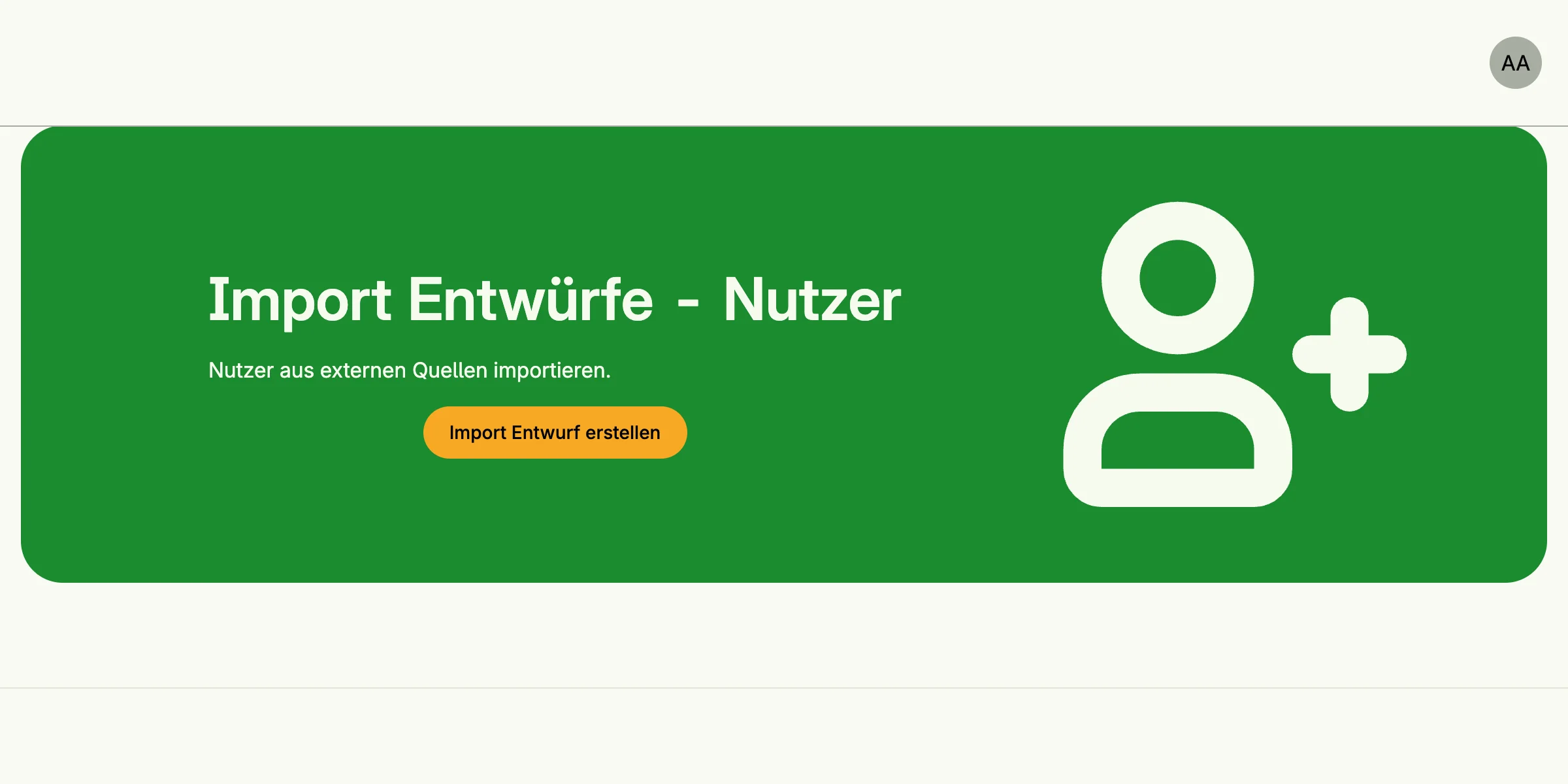
The admin center shows a card per registered importer in the group Daten Importe. It leads to
admin/data/stagings?importer=<id>; the other pages are admin/data/select-parser, admin/data/staging
and admin/data/entry.