Inspector Management
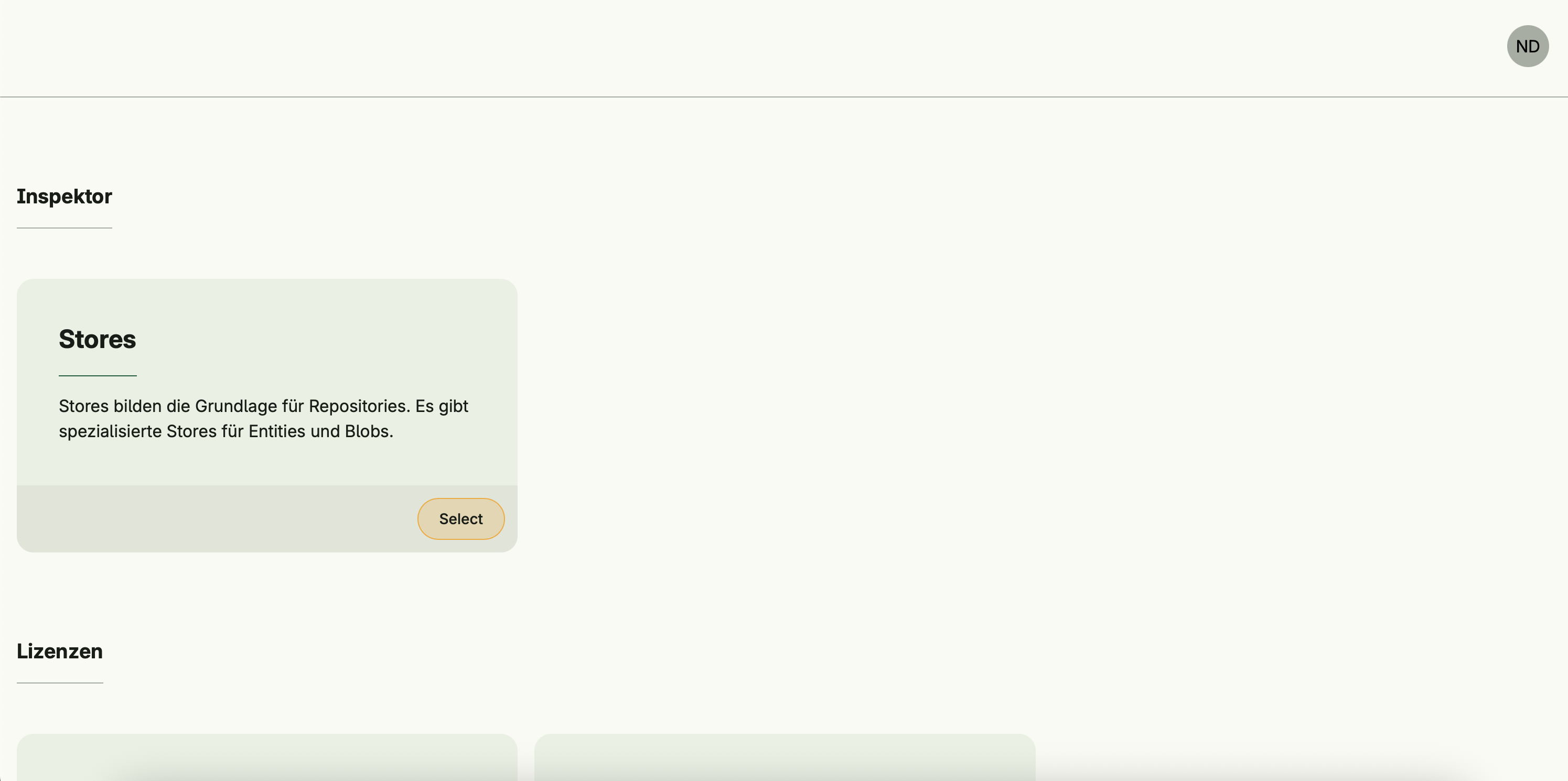
Inspector Management provides a user interface to inspect and manage entity and blob stores.
Stores form the foundation for repositories, and this system allows users to view, edit, download, and delete application data.
It integrates seamlessly into the Admin Center for centralized store inspection and management.
⚠️
Inspector Management is mainly intended for administrators.
Be careful when using this system — deleted data cannot be recovered, and incorrect edits may lead to corrupted or unusable data.
Be careful when using this system — deleted data cannot be recovered, and incorrect edits may lead to corrupted or unusable data.
Functional areas
Inspector Management provides the following key functions:
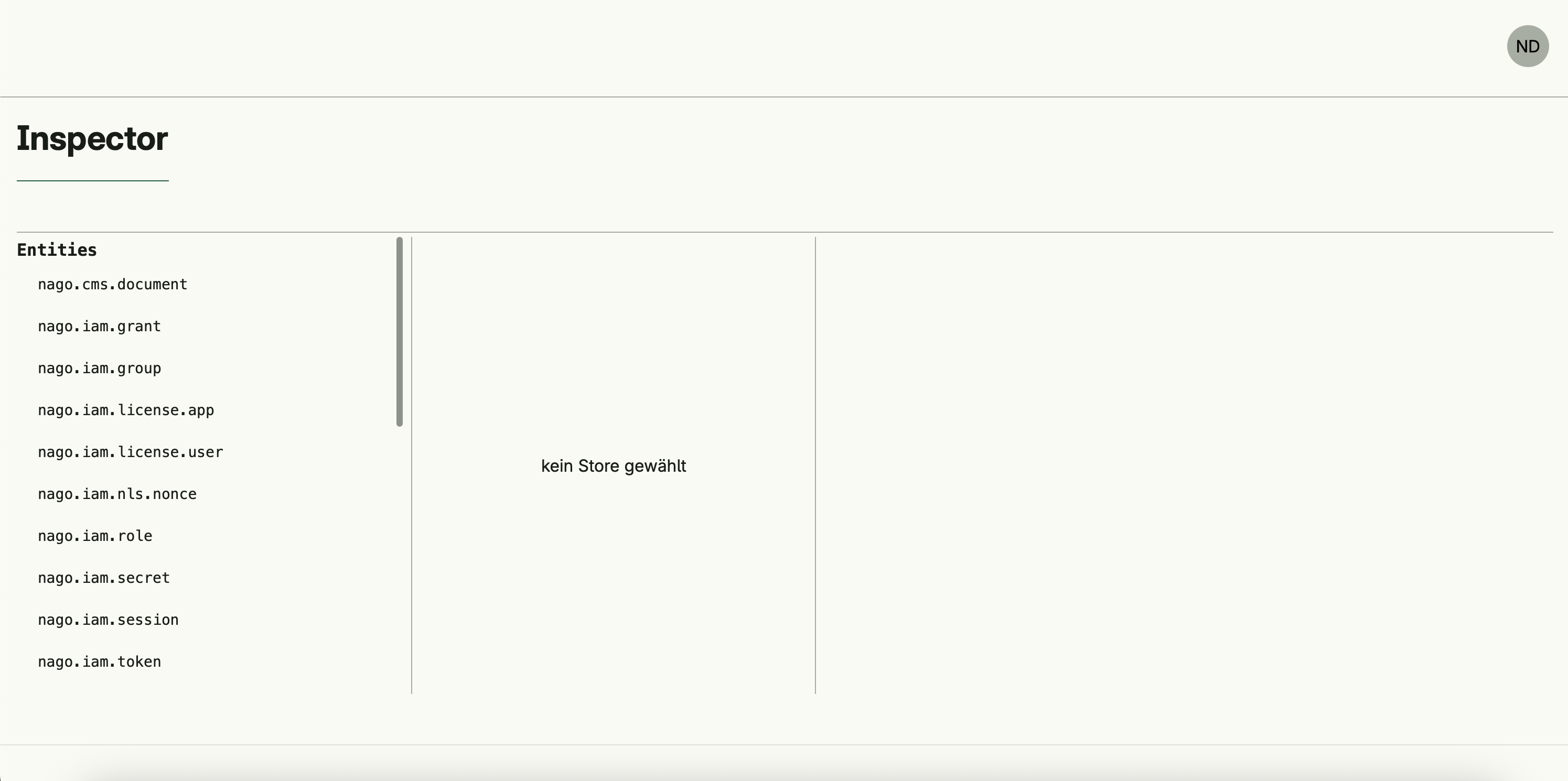
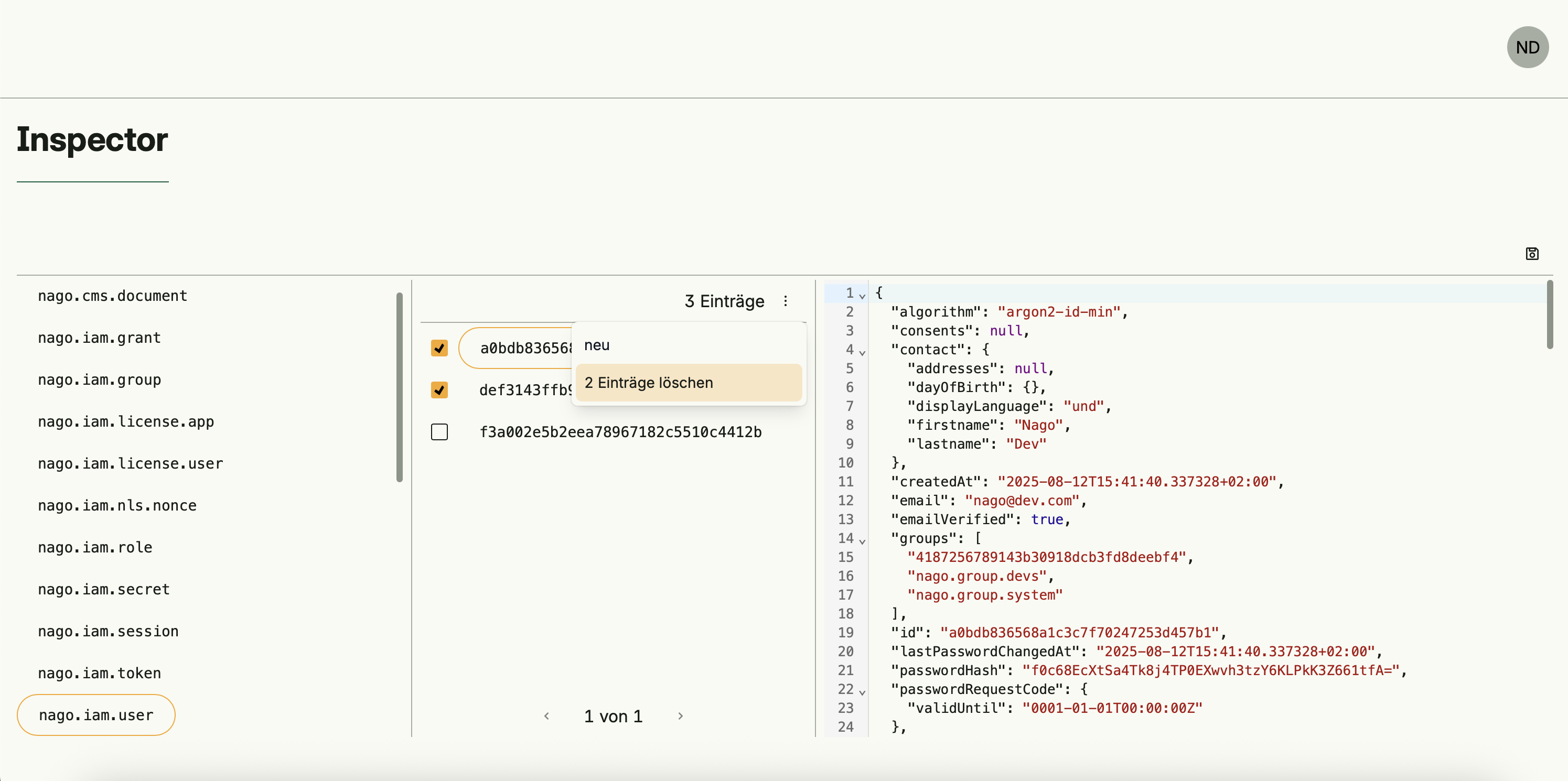
Store inspection
- Lists all available stores (entity stores and blob stores)
- Displays store information and type (document/blob)
- Select a store to view its entries
Repository entry management
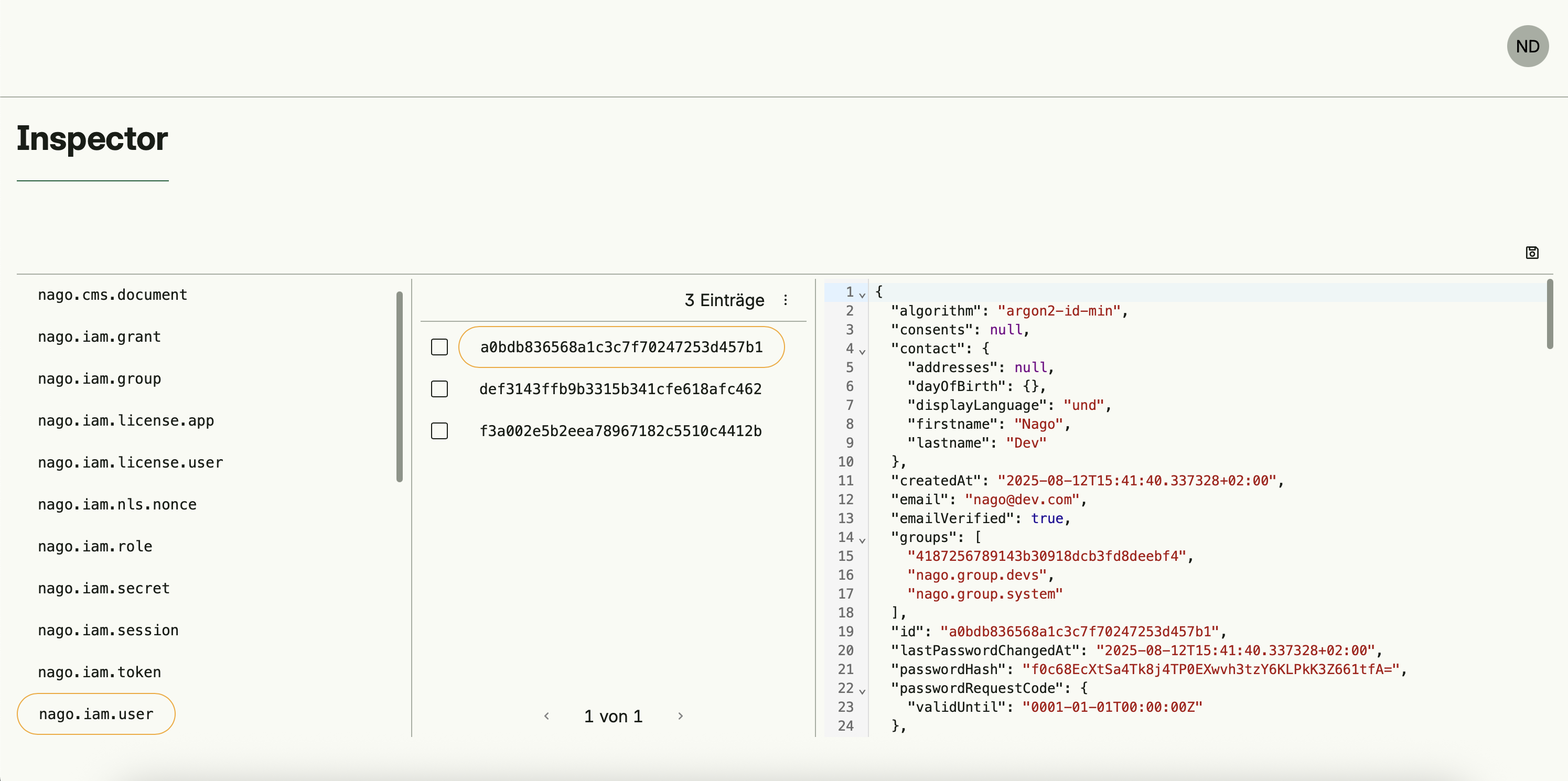
- List repository entries for the selected store
- View content of entries with automatic MIME type detection
- Edit JSON or text entries inline
- Create new entries for entity stores
- Delete entries as needed
- Paginated view for large stores
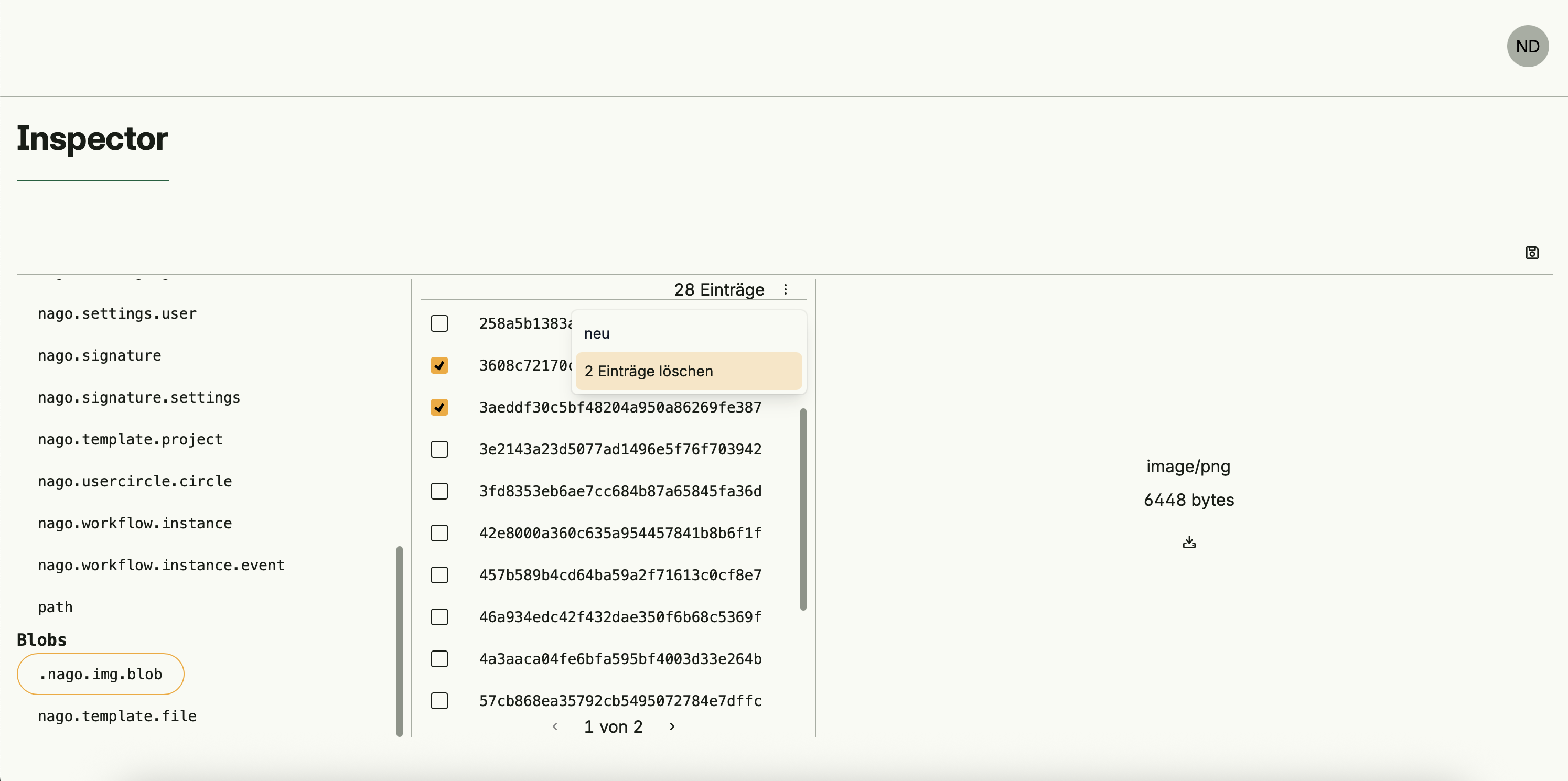
Blob management
- Download blob files from blob stores
- Delete blob files from blob stores
Dependencies
Scheduler Management operates independently and does not depend on other systems.
Activation
This system is activated via:
std.Must(cfginspector.Enable(cfg))inspectorManagement := std.Must(cfginspector.Enable(cfg))