Session Management
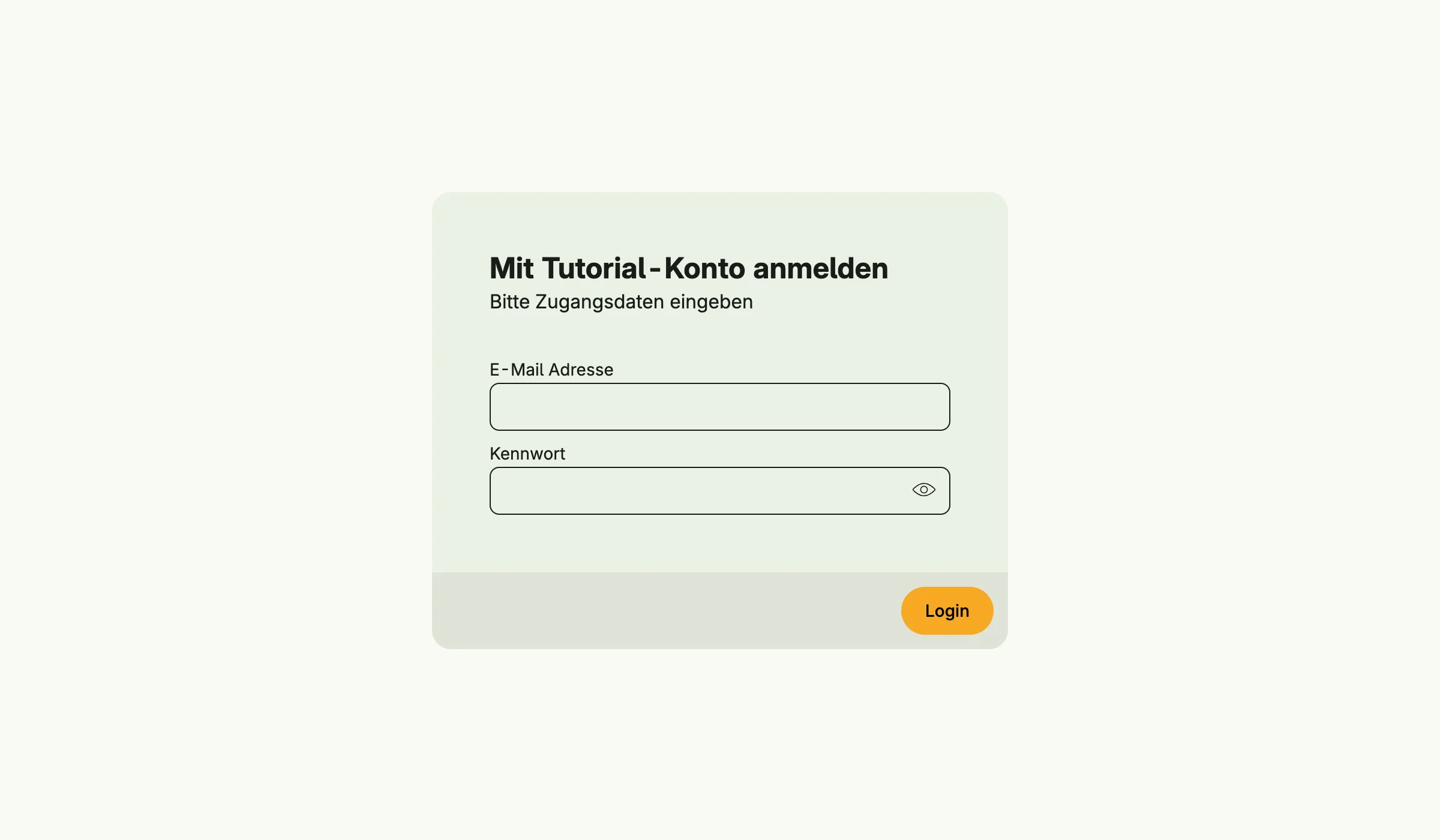
Session Management handles login, logout and the authentication state of a client. A session is identified by a cookie and survives tabs and restarts of the device. It supports login with mail and password and single sign-on through the Nago Login Service (NLS).
Enable
std.Must(cfg.Authentication())
// or
sessions := std.Must(cfg.SessionManagement()) // application.SessionManagement
Session Management is mandatory: the application panics at startup if it cannot be enabled. It enables Permission, Admin, Mail, User and Settings Management, and through them Role, Group, Secret, Template and Image Management.
application.SessionManagement has the fields UseCases session.UseCases and Pages uisession.Pages with
the paths Login, Logout and Authentication.
Use cases
| Use case | Description |
|---|---|
FindSessionByID | Loads a persisted session. |
FindUserSessionByID | Returns a session without necessarily persisting it, e.g. for anonymous users. |
Login | Authenticates a session with mail and password. |
LoginUser | Marks a session as authenticated for a user ID, without any checks. |
Logout | Logs a session out. |
Clear | Removes all sessions, only for fixing session problems. |
StartNLSFlow | Starts a single sign-on flow and returns the URL of the Nago Login Service. |
ExchangeNLS | Completes the single sign-on flow. |
After a successful login the event session.Authenticated is published.
Permissions
Session Management declares no permissions.
Configuration
- Sessions are stored encrypted with the master key, see Backup Management.
- The session cookie is secure unless the application runs in debug mode or
NO_SSL=trueis set. - The login page offers registration and password reset depending on the user settings
(
SelfRegistration,SelfPasswordReset), see User Management. - Single sign-on is configured in the same settings (
SSONLSServerand related fields).
UI
| Path | Page |
|---|---|
account/login | login |
account/logout | logout |
account/nls/authentication | callback of the SSO flow |