Signature Management
Signature Management records electronic signatures of users on resources of your application. Signatures are unqualified electronic signatures: they do not have the legal weight of a qualified signature, but each one is stored in a hash chain, so later changes are detectable, and it is bound to the signed resources and the signing account. Users can deposit an image of their handwritten signature.
Enable
import cfgsignature "go.wdy.de/nago/application/signature/cfg"

signatures := std.Must(cfgsignature.Enable(cfg)) // cfgsignature.Management
cfgsignature.Management has the fields UseCases signature.UseCases and Pages uisignature.Pages with the
path MyImageSignature. The system adds the handwriting font Caveat to the theme fonts.
Sign in the UI
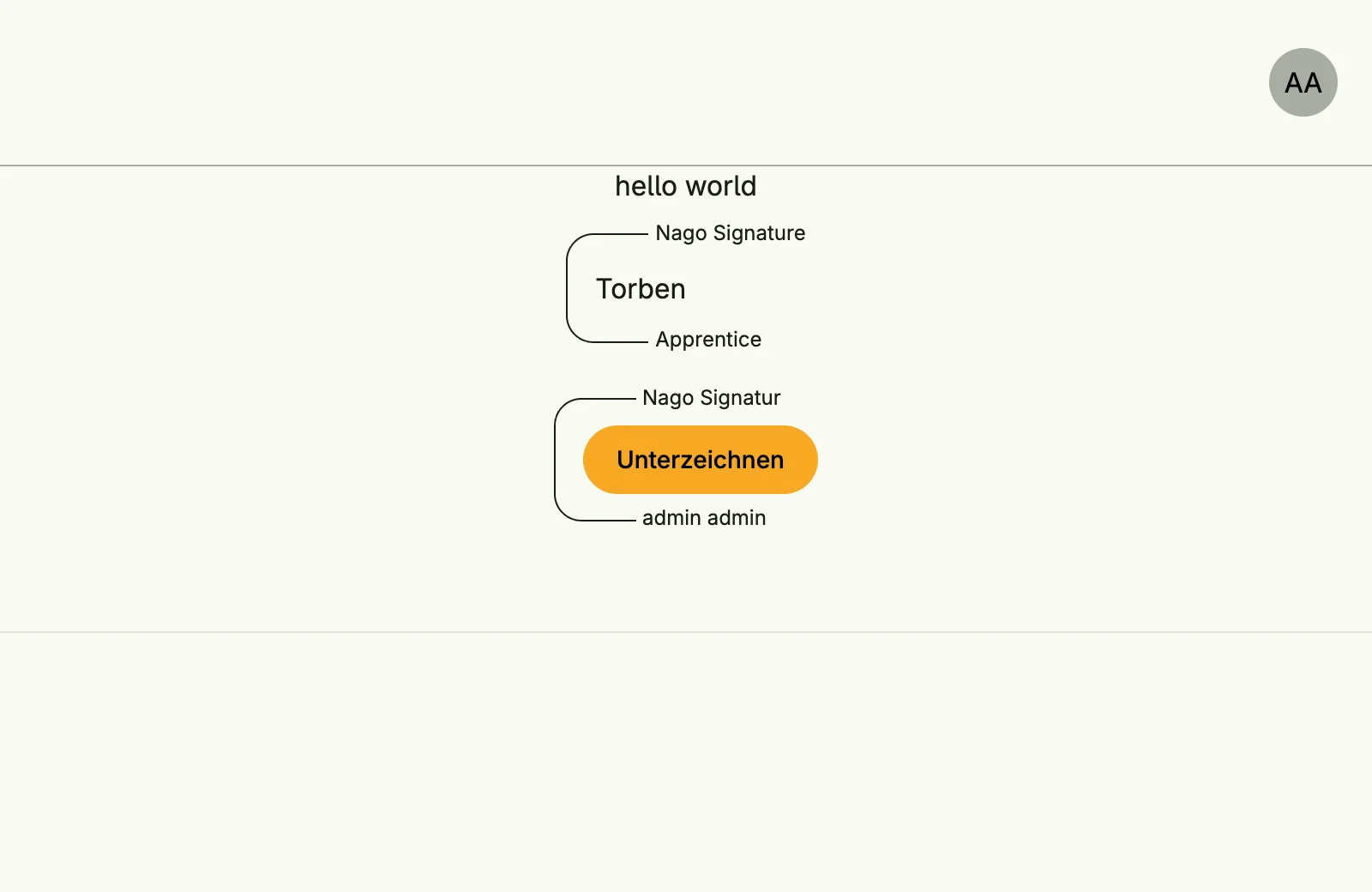
uisignature.UserSignature shows a signature field for a resource. Before signing it shows a button, after
signing the name or signature image of the signer:
uisignature.UserSignature(wnd, wnd.Subject().ID(), user.Resource{Name: "my.app.contract", ID: string(contractID)})Use cases
| Use case | Description |
|---|---|
SignUnqualifiedWithSubject | Signs resources as the authenticated subject. |
SignUnqualified | Signs resources with name and mail, without an account, e.g. on a shared device. |
FindSignaturesByUser | Lists the signatures of a user; own signatures are always allowed. |
FindSignaturesByResource | Lists the signatures of a resource. |
FindByID | Loads a signature. |
LoadUserSettings, UpdateUserSettings | Read and change the own signature image. |
Permissions
| Permission | Allows to |
|---|---|
nago.signature.find_by_user | list the signatures of other users |
nago.signature.find_by_resource | list the signatures of a resource |
nago.signature.find_by_id | view a signature |
Signing itself only requires a valid subject.
UI
Every signed-in user finds the card Meine Unterschrift in the admin center group
Elektronische Signaturen. It opens admin/my-signature/settings, where the user draws their signature
image.