Template Management
Template Management stores templates as projects of files which administrators can edit at runtime. It separates texts and layouts from code, for example the mails of Mail Management, and renders Go templates as plain text or HTML, or PDF documents with Typst.
Enable
templates := std.Must(cfg.TemplateManagement()) // application.TemplateManagementTemplate Management is always enabled, because Mail Management depends on it. It has the fields
UseCases template.UseCases and Pages uitemplate.Pages with the paths Projects, NewProject and
Editor.
Render a template
The configurator renders a named template of a project into a string, as the given subject:
text, err := cfg.TemplateString(subject, projectID, "body", model)Execute renders a whole project and returns a reader. Localized files below locales/<language>/ override
the default files for ExecOptions.Language. The execution type of a project decides the output:
| Exec type | Output |
|---|---|
TreeTemplatePlain | text, Go text/template |
TreeTemplateHTML | HTML; files ending in .gohtml are escaped |
TypstPDF | PDF, requires the typst binary on PATH |
Unprocessed | the files as a zip |
LatexPDF and AsciidocPDF are declared, but currently also rendered with Typst.
template.Apply(subject, fsys, execType, opts) renders templates from an fs.FS of your code without the
system, e.g. embedded Typst files.
Ship default templates with your application with EnsureBuildIn, which creates a project if it does not
exist yet.
Use cases
| Use case | Description |
|---|---|
FindAll | Lists the projects readable by the subject, filtered by tags. |
FindByID | Loads a project. |
Execute | Renders a project. |
FSExecute | Renders templates from an fs.FS provided by code. |
Create, Delete | Create or delete a project. |
EnsureBuildIn | Creates a built-in project if it does not exist. |
LoadProjectBlob, CreateProjectBlob, UpdateProjectBlob, RenameProjectBlob, DeleteProjectBlob | Manage the files of a project. |
AddRunConfiguration, RemoveRunConfiguration | Manage example models for previews. |
ExportZip, ImportZip | Export or import a project as a zip. |
Permissions
| Permission | Allows to |
|---|---|
nago.template.find_all | list templates |
nago.template.find_by_id | view a template |
nago.template.execute | render templates |
nago.template.create | create projects |
nago.template.delete | delete projects |
nago.template.ensure_build_in | create built-in projects |
nago.template.project.blob.load | view project files |
nago.template.project.blob.create | create project files |
nago.template.project.blob.update | update project files |
nago.template.project.blob.rename | rename project files |
nago.template.project.blob.delete | delete project files |
nago.template.project.runcfg.add | add run configurations |
nago.template.project.runcfg.remove | remove run configurations |
nago.template.project.export | export projects |
nago.template.project.import | import projects |
UI
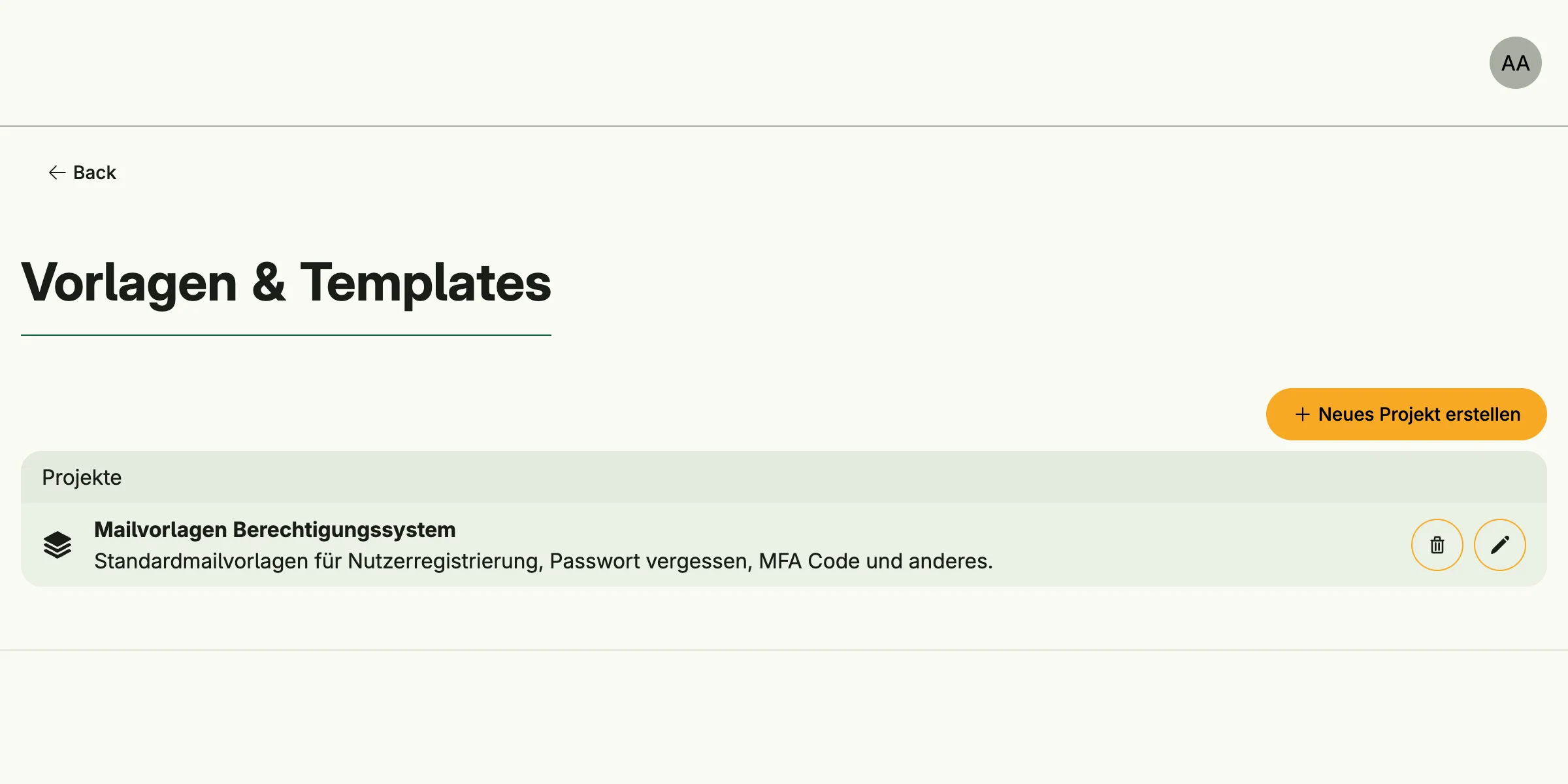
admin/template/projects lists the projects, optionally filtered with ?tag=, admin/template/new creates
one and admin/template/edit edits its files. The admin center shows the cards E-Mail Vorlagen,
PDF Vorlagen and Alle Vorlagen in the group Vorlagen & Templates.
Related
- Tutorial: templates enables the system.
- Tutorial: Typst template renders an embedded Typst template into a PDF.