Theme Management
Theme Management holds the corporate identity of the application: the colors for light and dark mode, the fonts, logos and app icons, legal links (imprint, privacy policy, terms) and the provider contact. Colors and fonts are applied to all windows, changes made through the use cases are applied live.
Enable
themes := std.Must(cfg.ThemeManagement()) // application.ThemeManagementTheme Management is always enabled when the application starts; call it only to get its use cases.
application.ThemeManagement has the single field UseCases theme.UseCases. The data is stored as the global
settings type theme.Settings, see Settings Management.
Set the colors
Derive full color sets from three base colors and store them once:
themes := std.Must(cfg.ThemeManagement())
if !std.Must(themes.UseCases.HasColors(user.SU())) {
	base := theme.BaseColors{Main: "#1B8C30", Interactive: "#F7A823", Accent: "#03613D"}
	option.MustZero(themes.UseCases.UpdateColors(user.SU(), theme.Colors{
		Dark:  themes.UseCases.Calculations.DarkMode(base),
		Light: themes.UseCases.Calculations.LightMode(base),
	}))
}
Without stored colors, Nago derives them from theme.DefaultBaseColors. The stored theme colors override the
core color set registered with cfg.ColorSet; use cfg.ColorSet for your own color namespaces.
Use cases
| Use case | Description |
|---|---|
Calculations | Functions which derive color sets (DarkMode, LightMode, TrueDarkMode, TrueLightMode) from base colors. |
UpdateColors | Stores the colors for dark and light mode and applies them. |
ReadColors | Returns the stored colors or the default ones. |
HasColors | Reports whether valid colors are stored. |
ResetColors | Removes the stored colors; takes effect after a restart. |
UpdateFonts | Stores the global fonts and applies them. |
ReadFonts | Returns the global fonts. |
Permissions
| Permission | Allows to |
|---|---|
nago.theme.colors.read | read the colors |
nago.theme.colors.update | update the colors |
UI
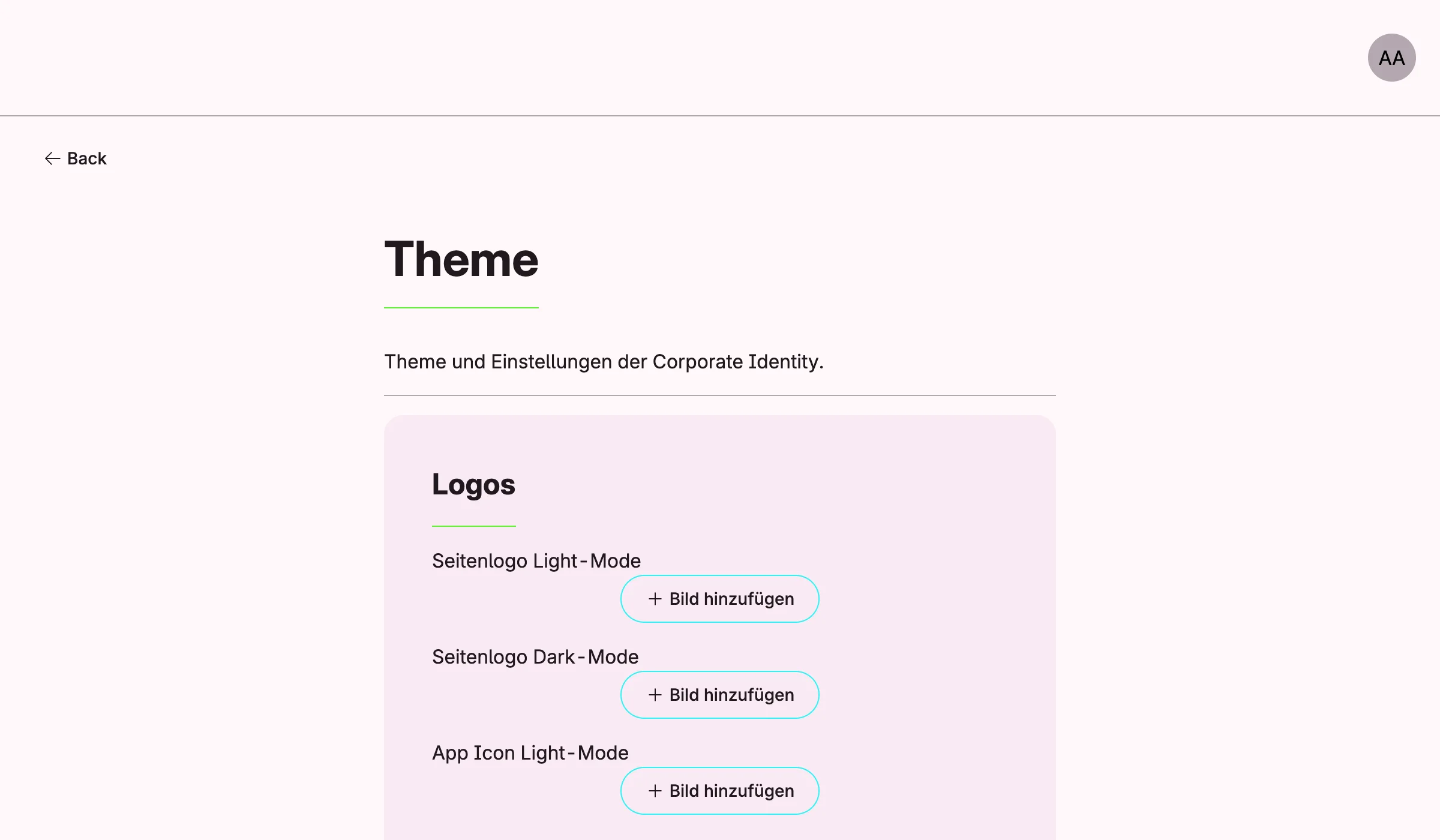
Logos, legal links, provider data and slogan are edited in the admin center under Einstellungen → Theme. Colors and fonts have no form yet, set them in code. Changes made in the settings form take effect after a restart.
Related
- Tutorial: theme sets and resets the colors.
- Tutorial: custom font sets the fonts.
- Tutorial: colors registers a custom color namespace.