User Management
The User Management system is responsible for creating, managing, and maintaining user accounts within the platform. It provides both administrative and self-service features, allowing administrators to manage users and permissions, while enabling end users to maintain their own profiles. Typical workflows include:
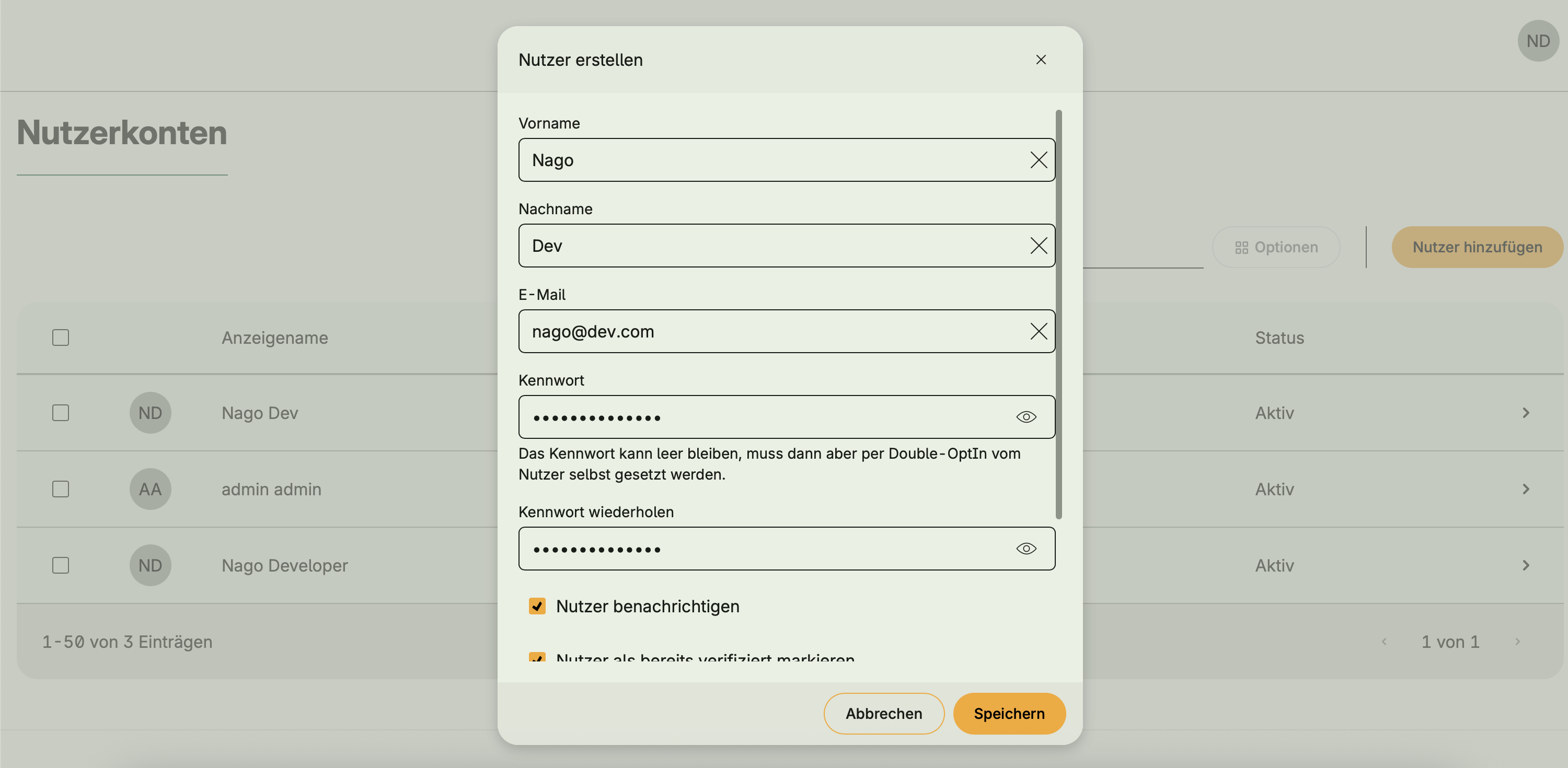
- Creating and deleting user accounts
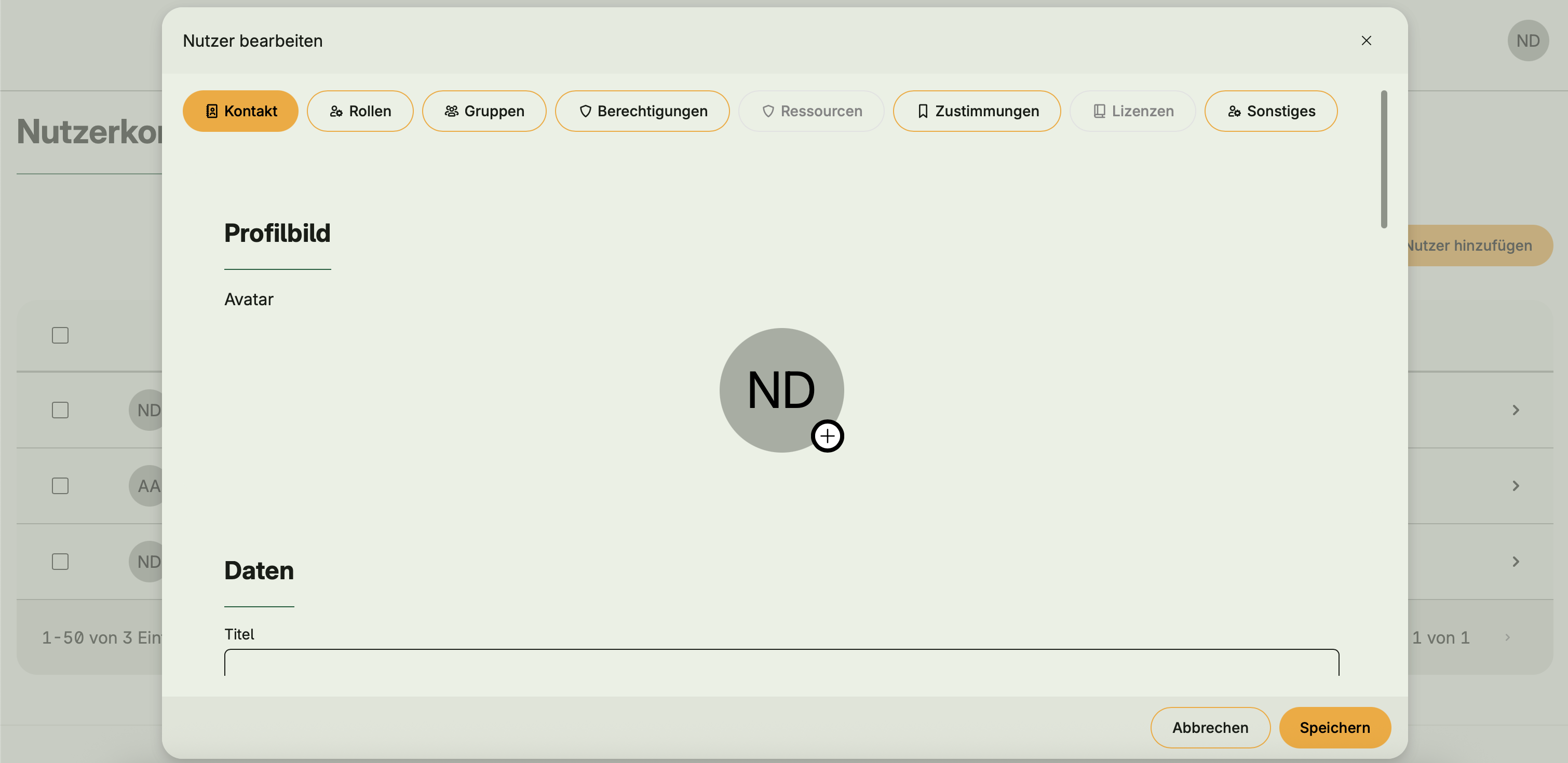
- Assigning roles, groups, and permissions
- Managing user profile data and contact details
- Password management (self-service and administrative)
- Email verification and account activation notifications
Functional areas
User Management offers a wide range of features, grouped into the following main areas:
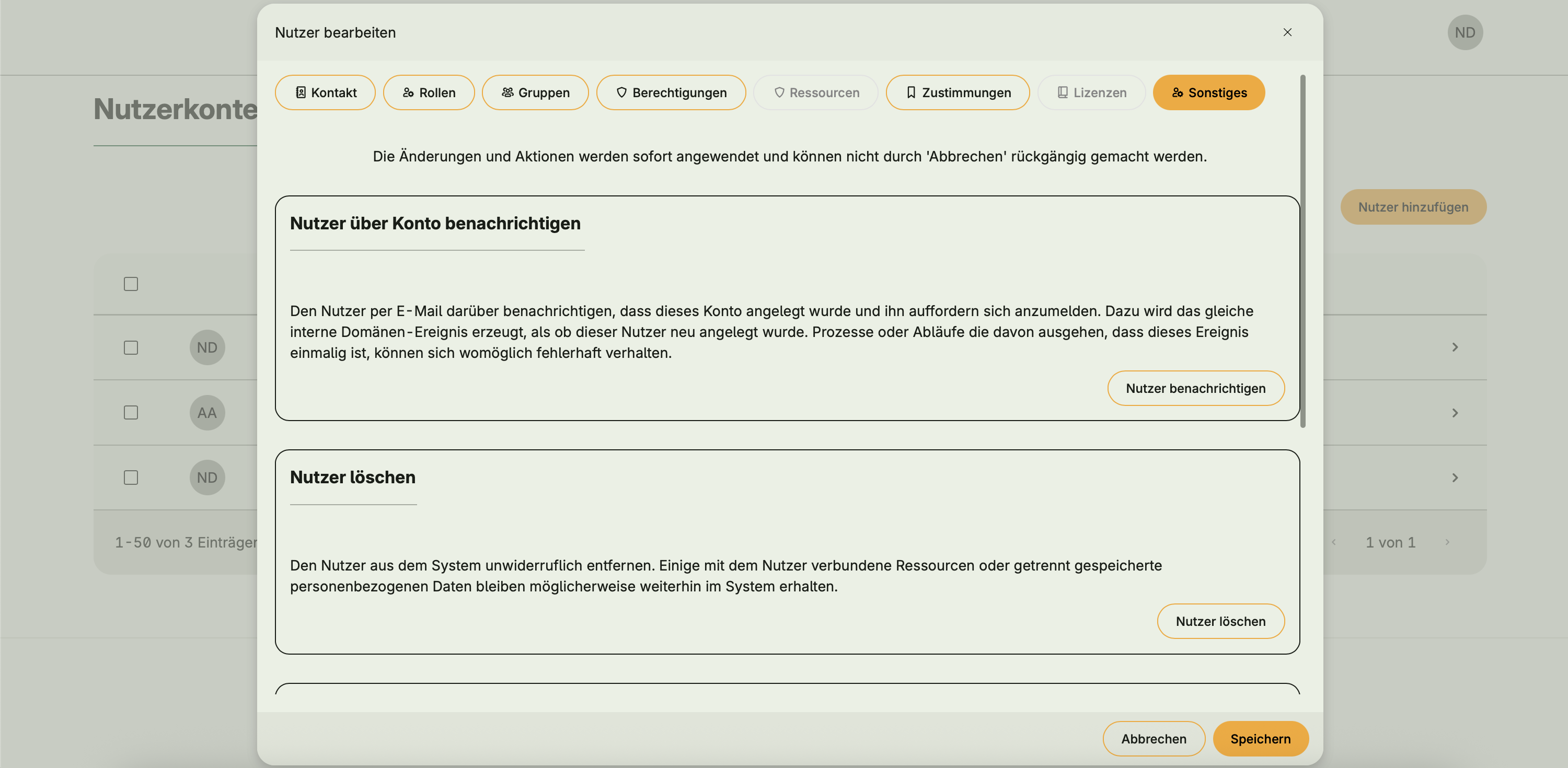
Account lifecycle
- Create, update, deactivate, or delete user accounts
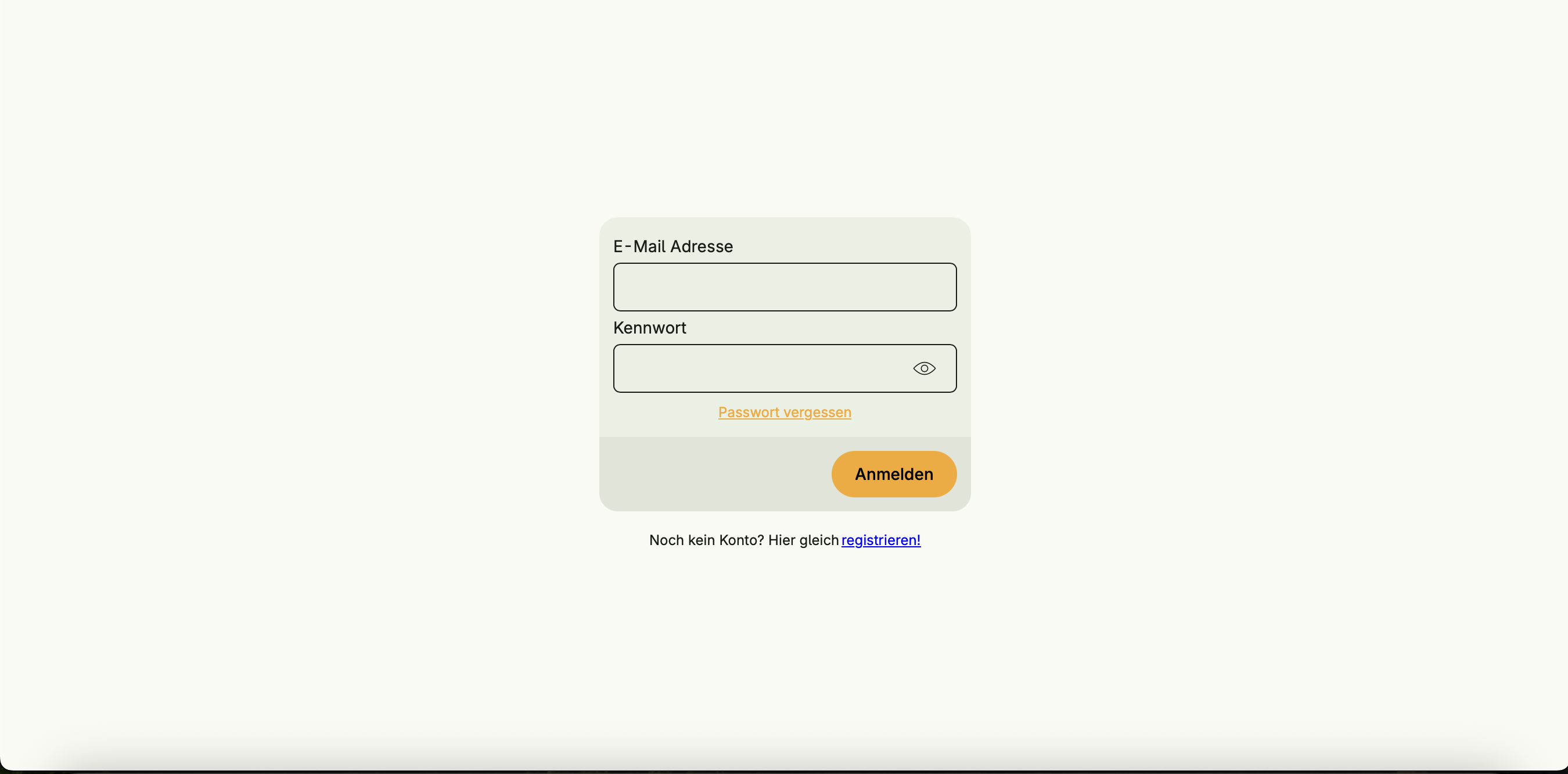
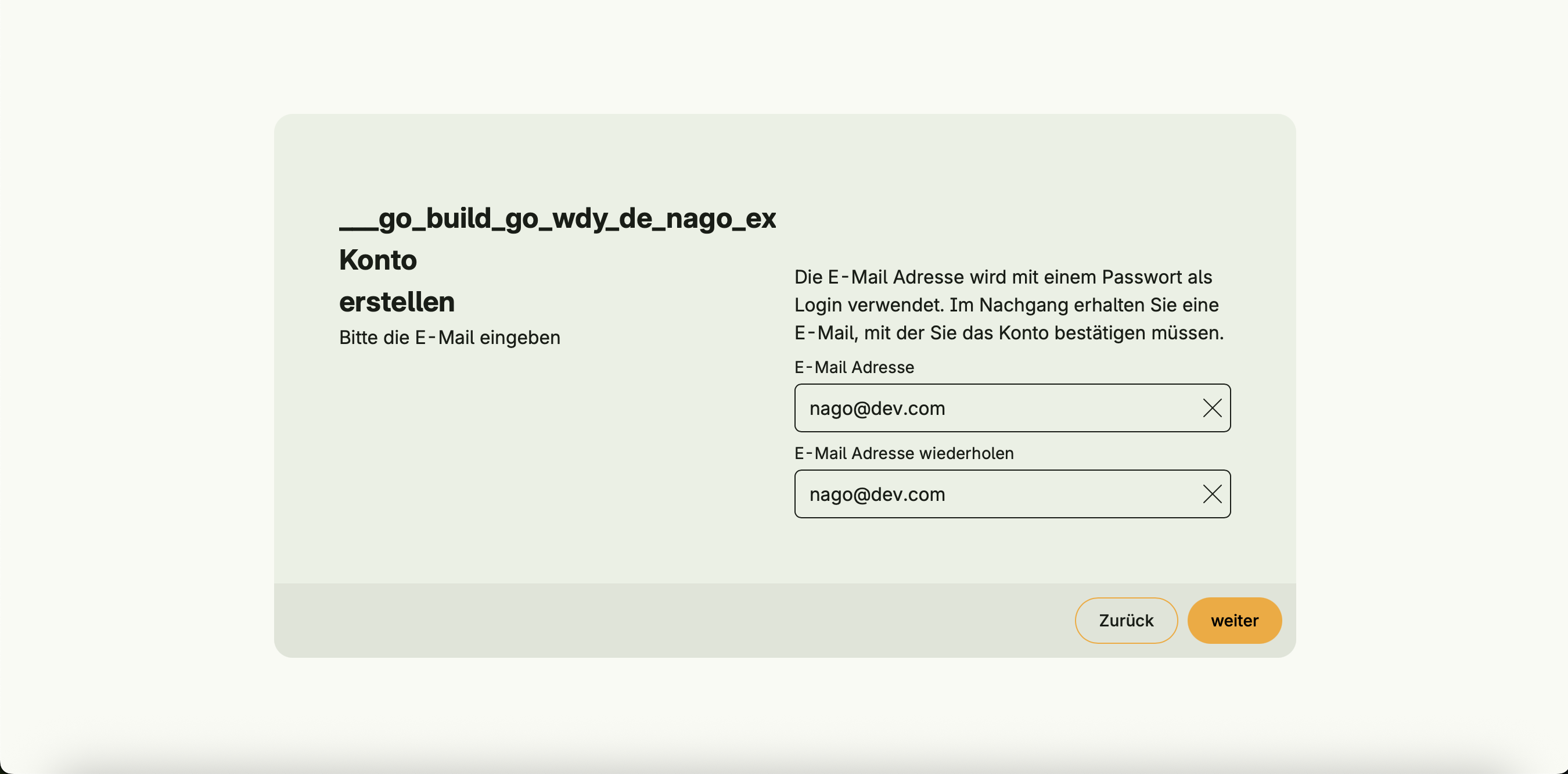
- Register a new account (self-service)
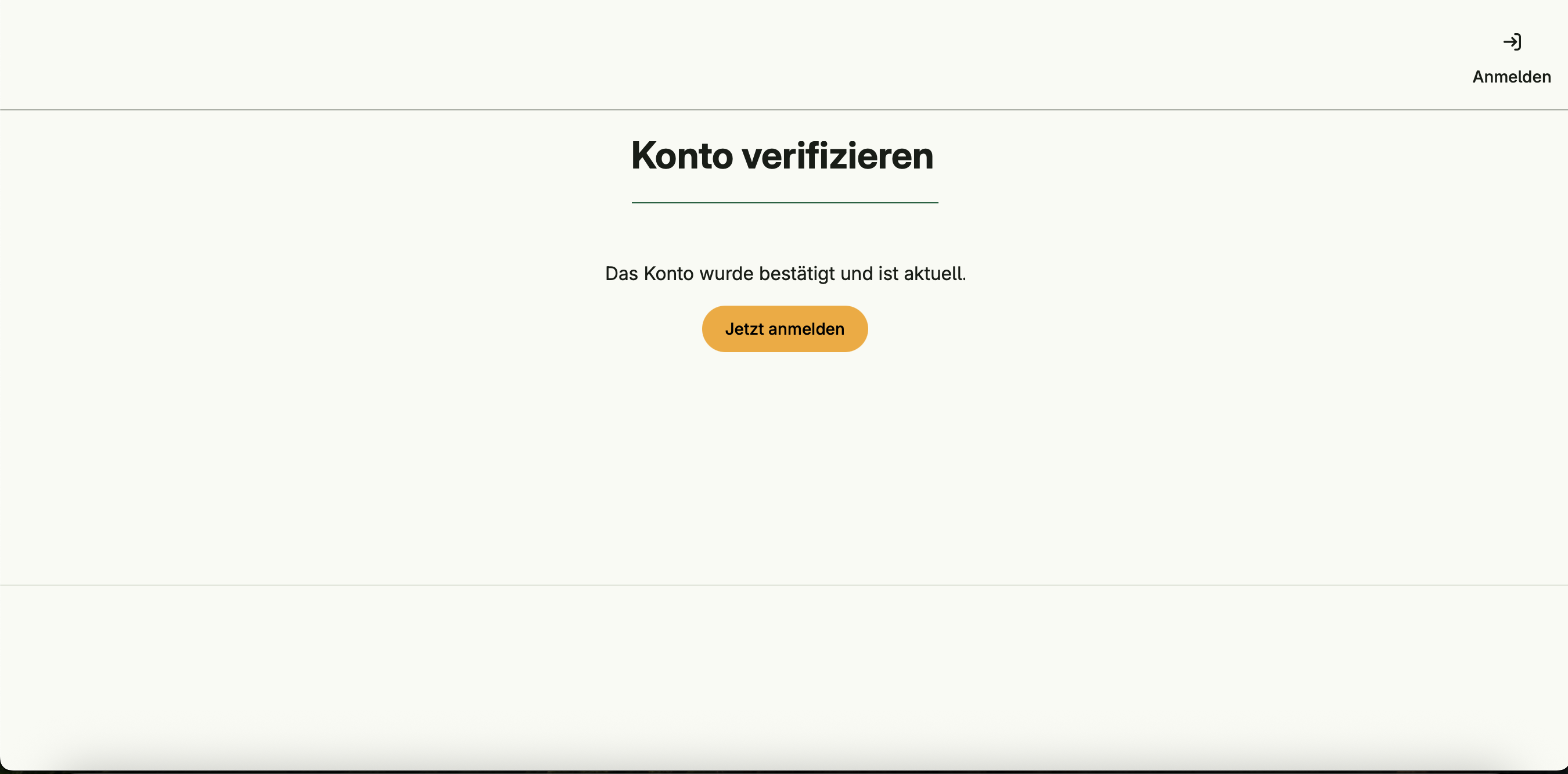
- Send notification when a new account is created
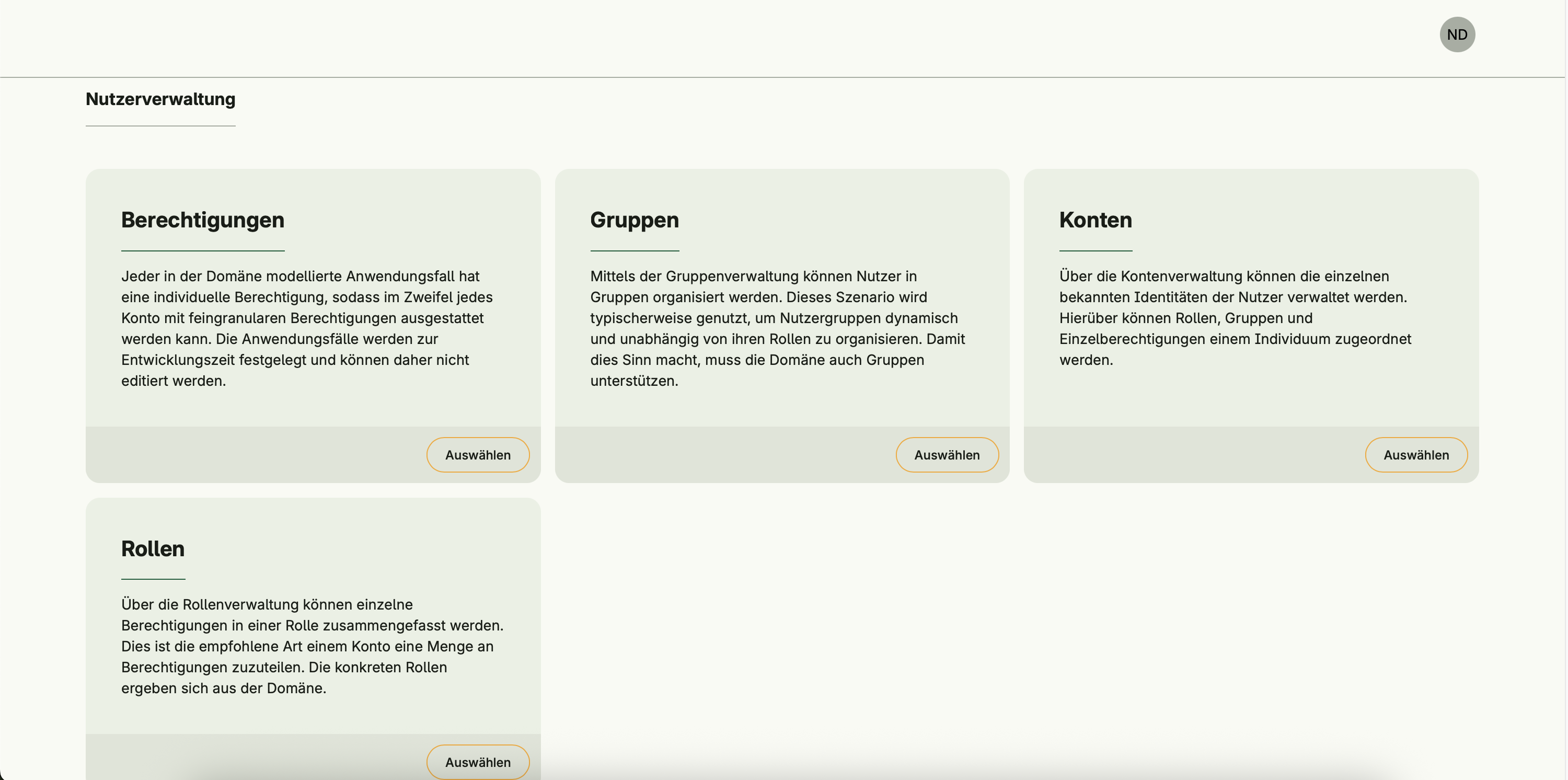
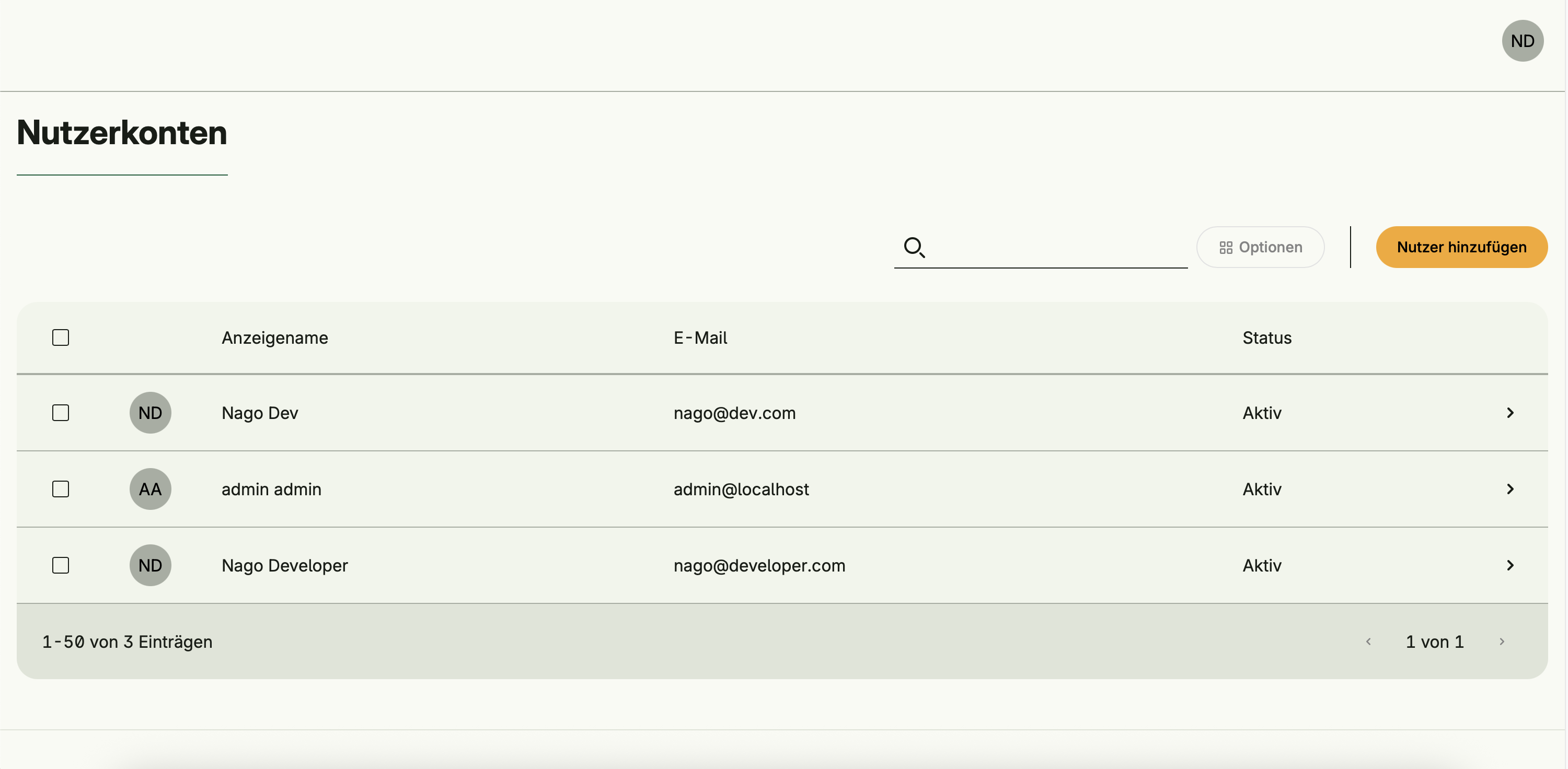
Profile and contact information
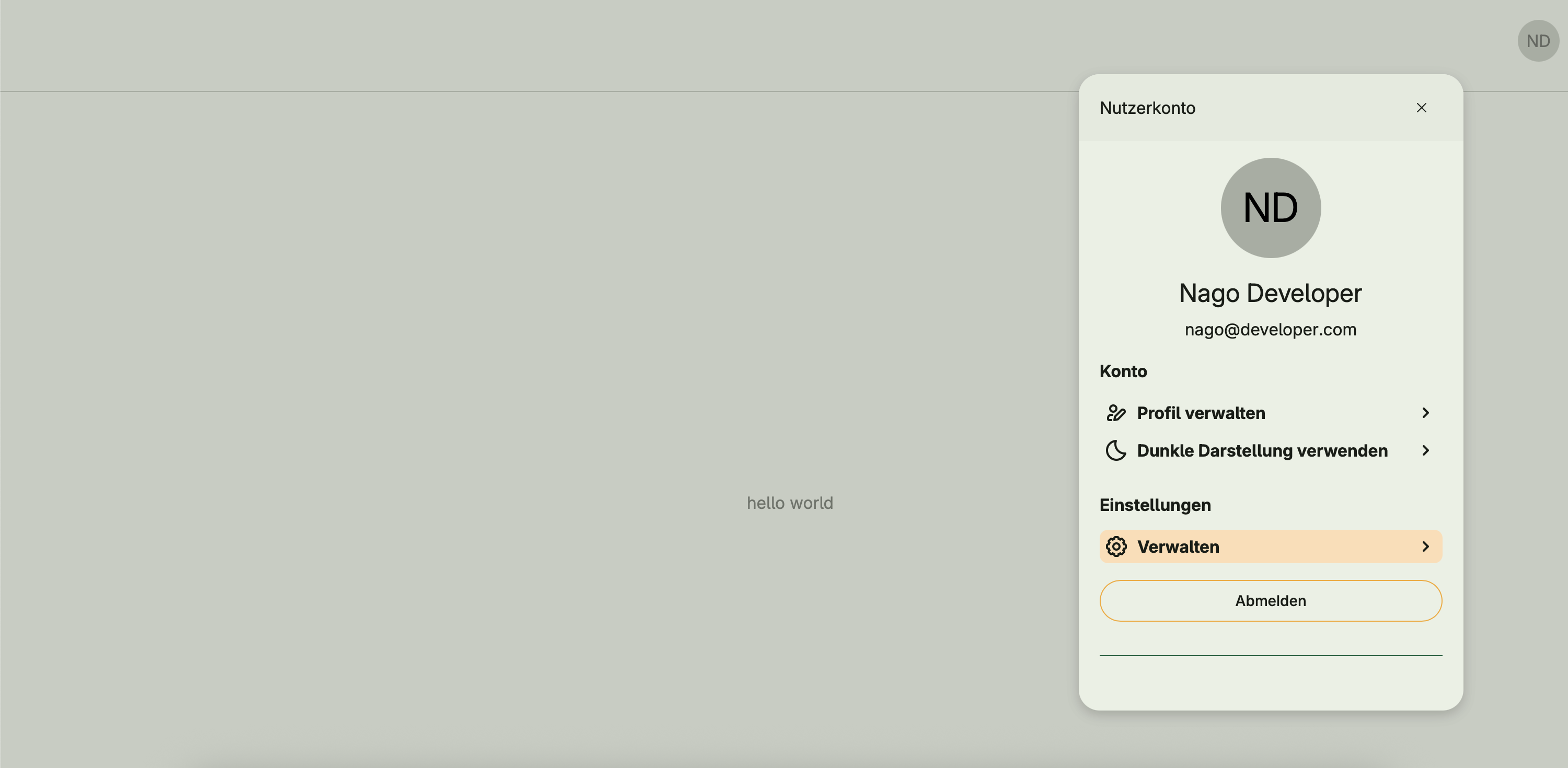
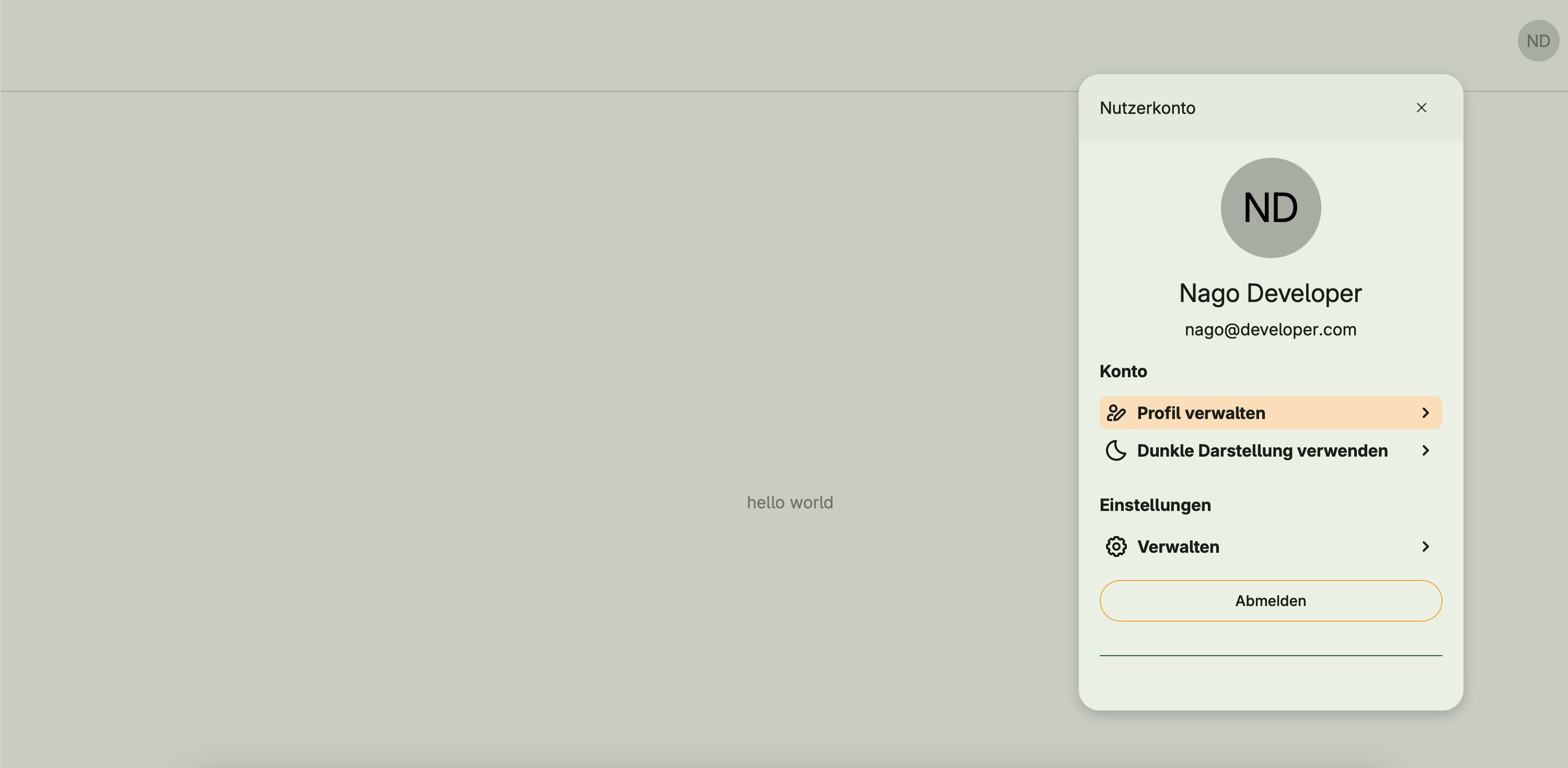
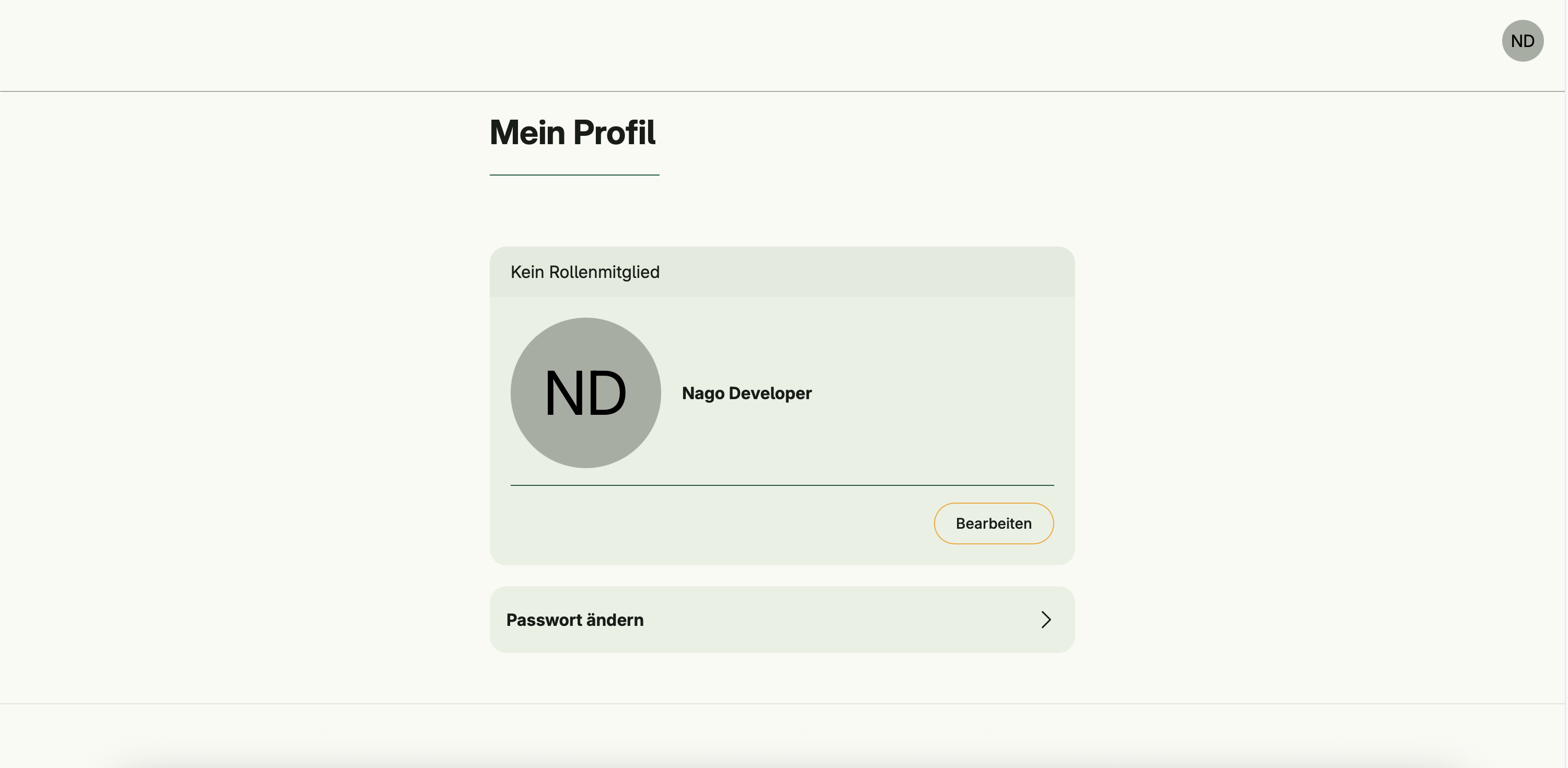
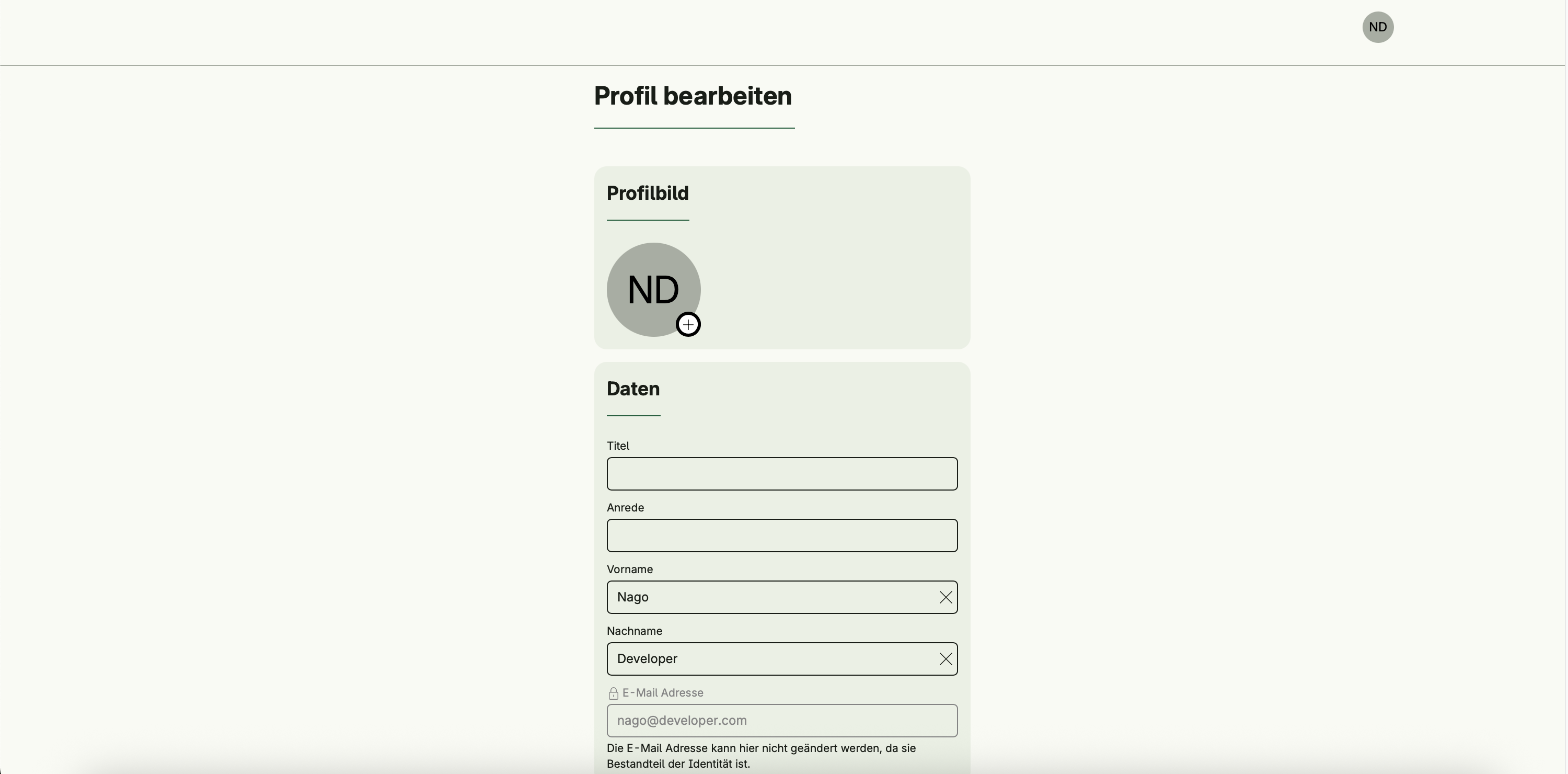
- View and edit personal profile information
- Update contact details
- Manage consent options
Authentication & password management
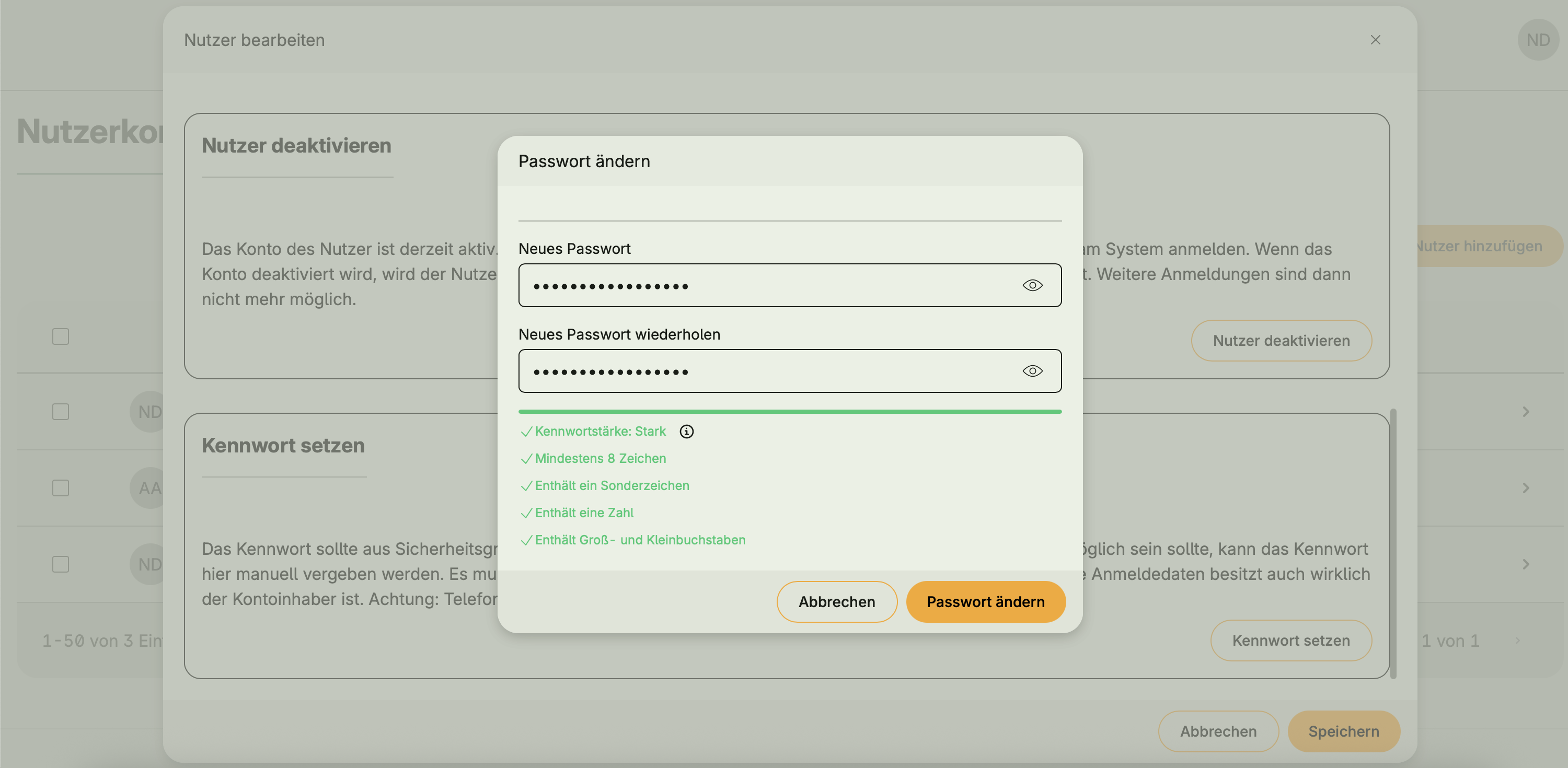
- Change own password
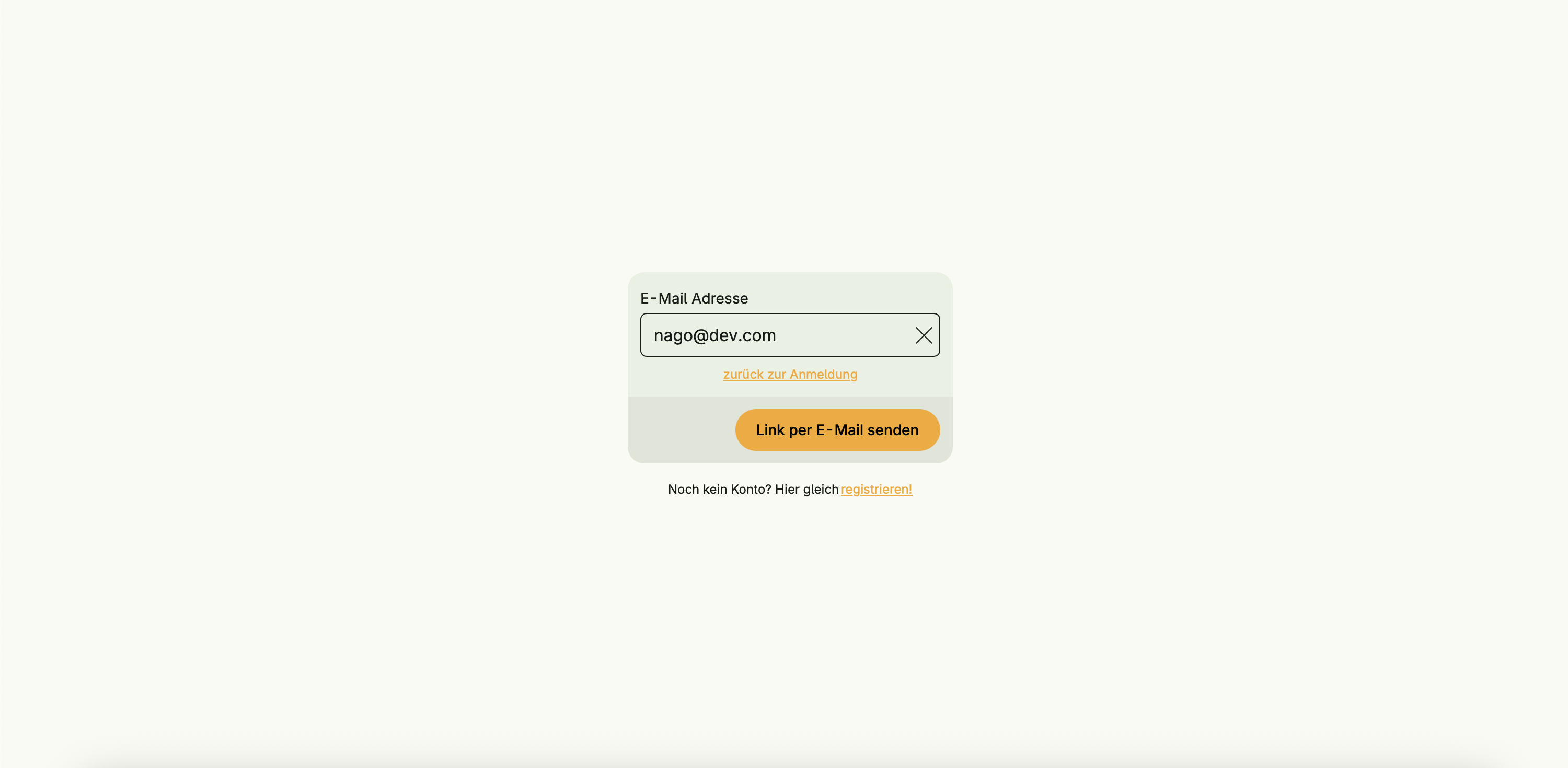
- Reset password via confirmation code
- Force password change (admin)


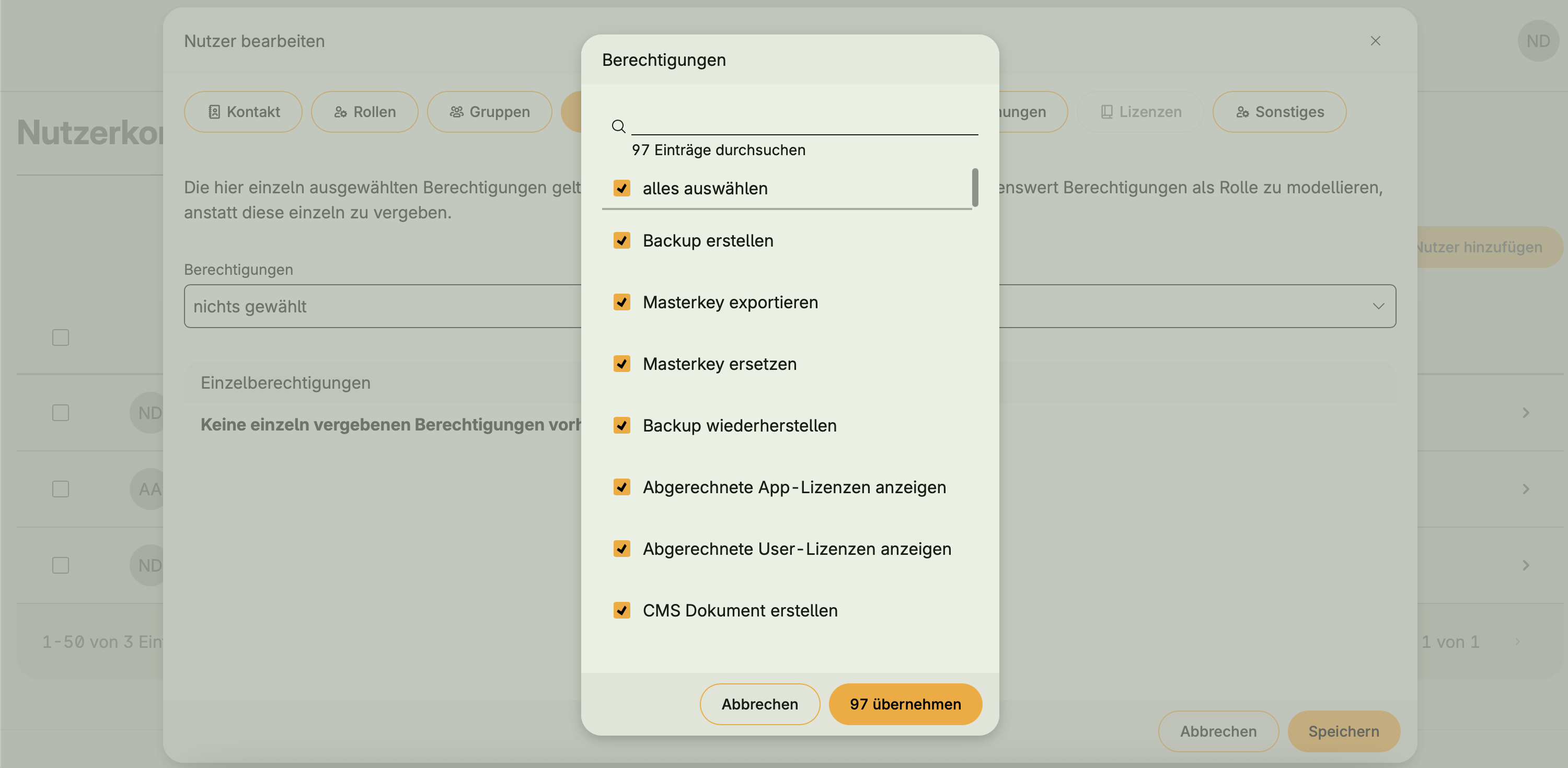
Roles, permissions, and groups
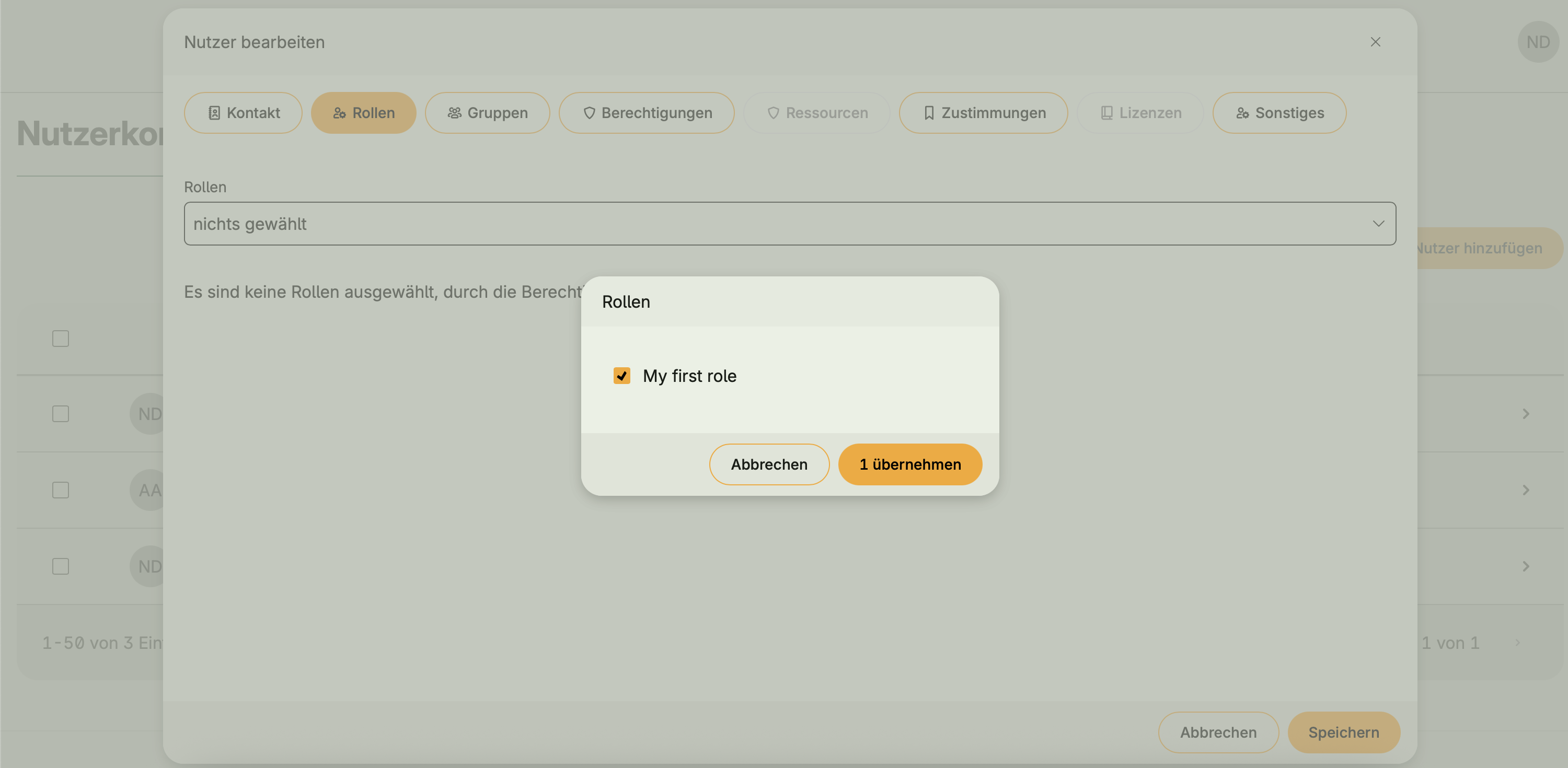
- Assign or revoke roles
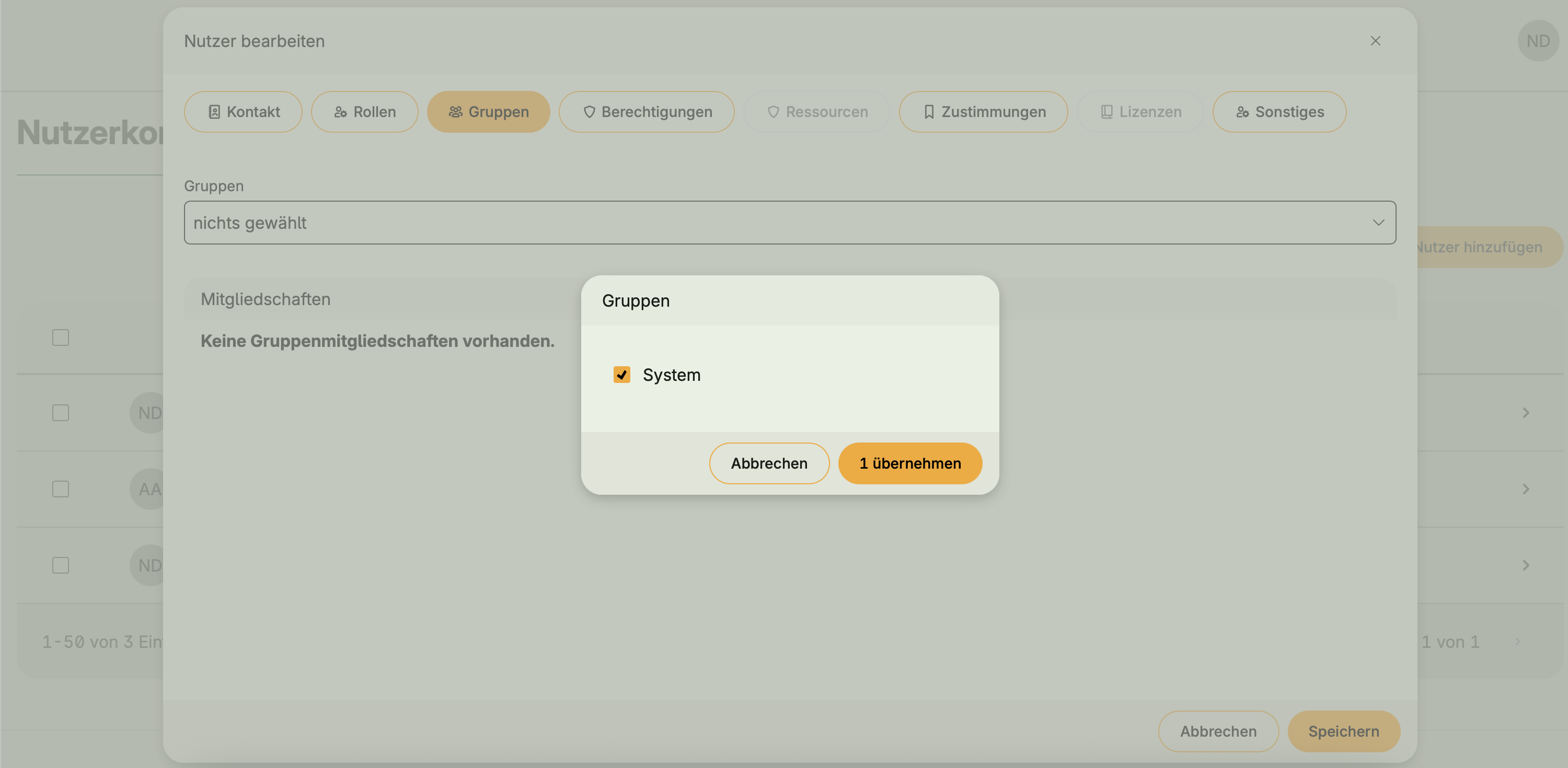
- Assign or revoke group memberships
- Grant or revoke permissions
Related settings
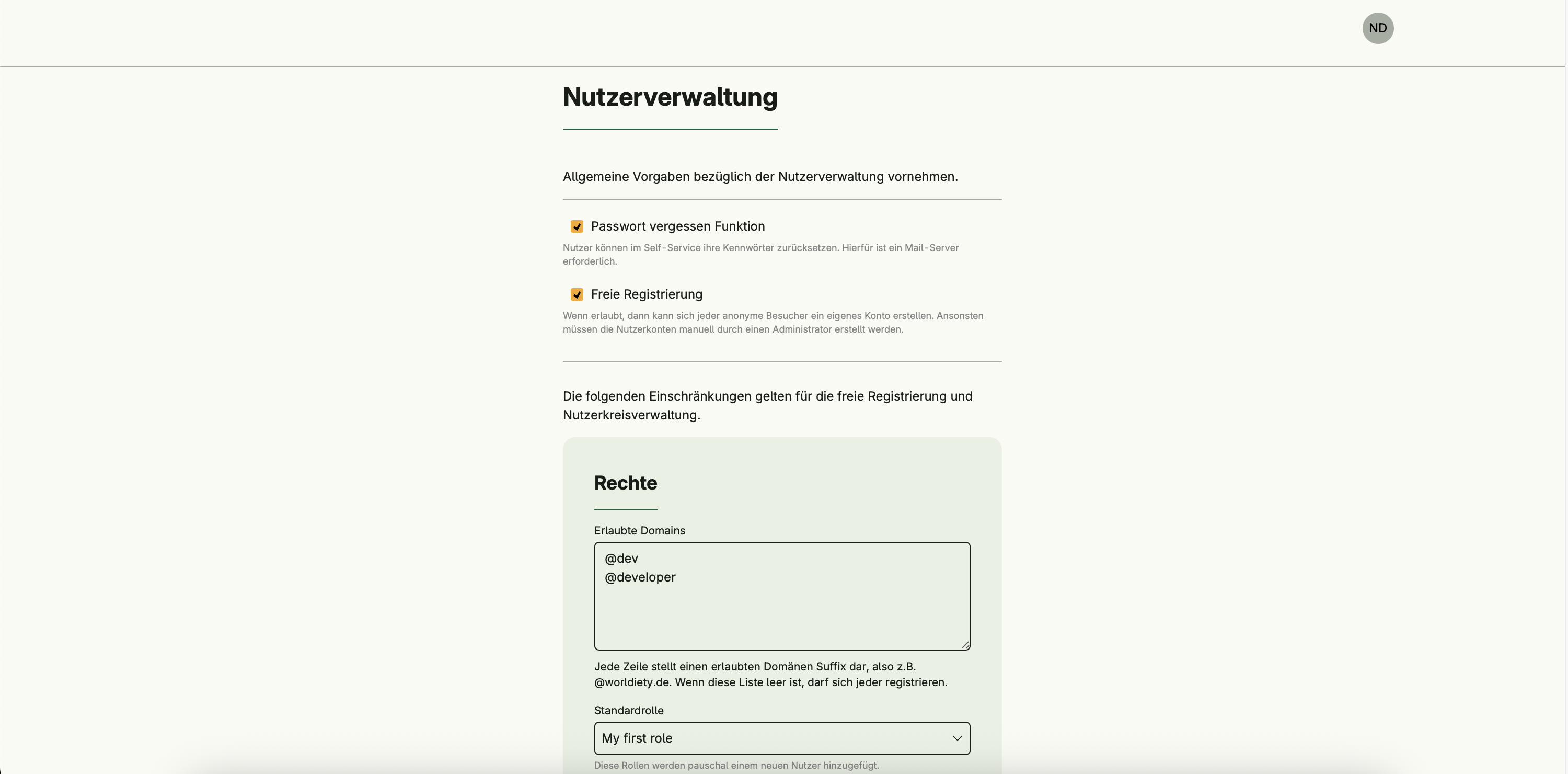
While not strictly part of the core User Management functionality, certain configuration options in Settings Management influence how User Management behaves, such as:
- Whitelisted email domains
- Automatic role and group assignments for anonymous users
These dependencies are handled by the Settings Management system but are relevant for User Management workflows.

Dependencies
User Management only works properly if the Session Management is activated.
Requires:
If these are not already active, they will be enabled automatically when User Management is activated.
Is required by:
Activation
This system is activated via the configurator:
std.Must(cfg.UserManagement())userManagement := std.Must(cfg.UserManagement())